


iCloud Photos Before Selling Your iPhone: Free Up Space Without Losing Anything
How to check iCloud Photos, free up iPhone space, back up, sign out of Apple ID and turn off Find My iPhone before a buyback or trade-in at AG Store Prague 13.
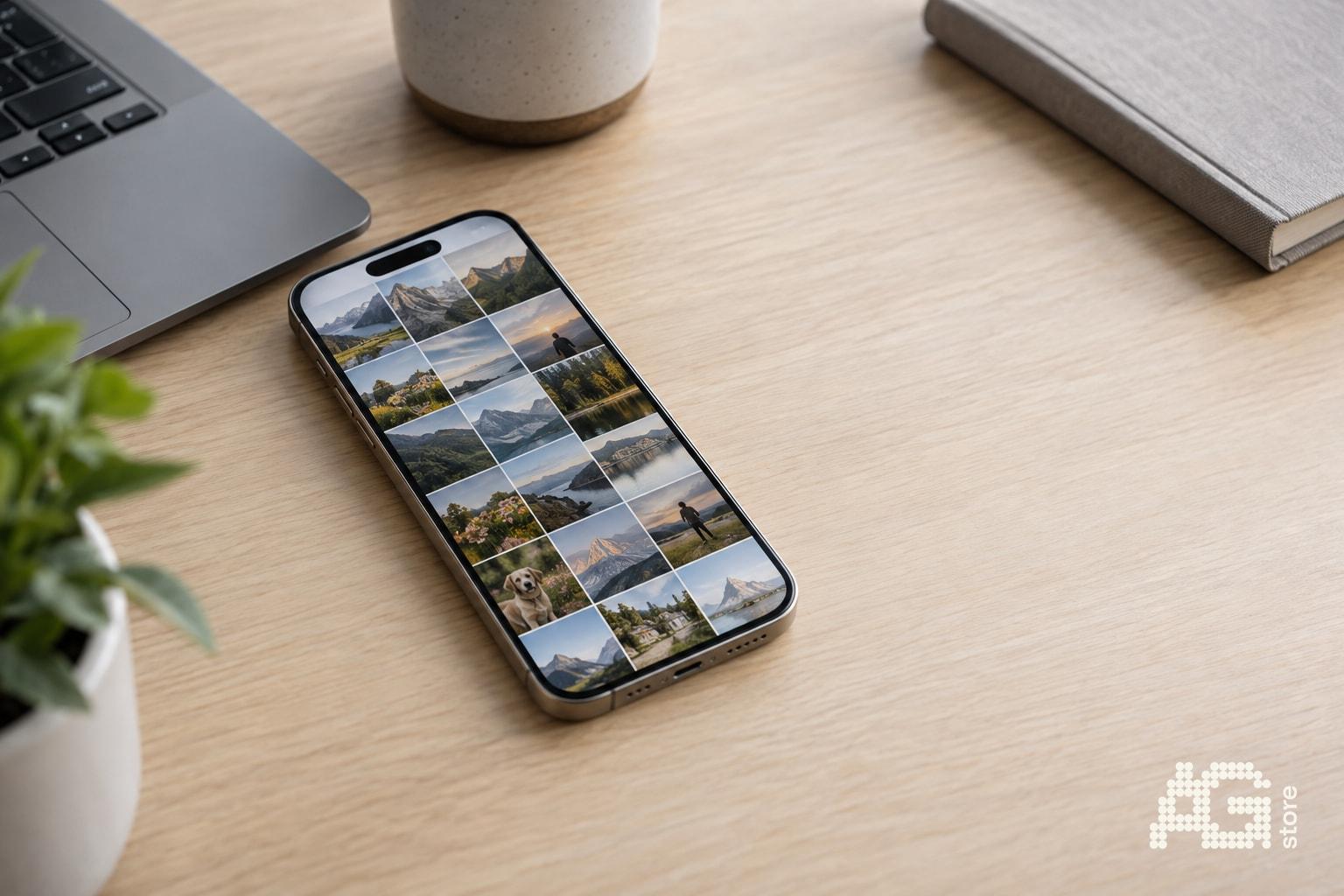
Before selling your iPhone, first make sure all your photos and videos are really in iCloud or on your Mac, and only then erase the phone. There are four steps: check iCloud Photos sync, free up space on the iPhone, sign out of Apple ID and turn off Find My, and finally erase all content and settings. AG Store in Prague 13 (Mukařovského 2590, Luka metro) buys used and like-new iPhones every day from 10:00 to 19:00, and the phone must be free of Activation Lock.
Full storage or a large photo library does not lower the buyback price. What decides it is the model, capacity, condition and battery. You can find an indicative valuation on the Apple device buyback page, and credit toward another model on the trade-in page.
Quick summary: 6 steps before selling
- Open iCloud.com/photos or Photos on your Mac and check that the number of items matches your iPhone.
- Check free iCloud space (Settings - your profile - iCloud) and increase it or free some up if needed.
- Free up space on the iPhone: optimized storage, Recently Deleted, large videos.
- Create a backup to iCloud or to your Mac.
- Sign out of Apple ID and turn off Find My iPhone.
- Choose Erase All Content and Settings and bring the phone in for a valuation.
How to tell that your iCloud photos are really uploaded
Having iCloud Photos switched on does not mean everything has been uploaded. Uploading stops on weak Wi-Fi, with a drained battery, or when iCloud runs out of space.
- On the iPhone, open Photos. At the bottom of the Collections or Library tab you will see the sync status. It should say that everything is up to date.
- On a computer, sign in at iCloud.com and compare the number of photos and videos with the count on your iPhone (Photos - Collections - Media Types counts).
- Check a few of the newest shots and a few of the oldest. New ones are often missing because of an interrupted upload.
- If you use shared albums or a shared library, make sure you also have your own copies, not just links to other people's content.
Warning: iCloud Photos is sync, not a backup
If you delete a photo on an iPhone with iCloud Photos, it also disappears from iCloud and from all devices with the same Apple ID. Deleted photos stay in the Recently Deleted album for about 30 days.
So before selling, do not delete anything in a hurry and do not turn off iCloud Photos until you are sure the originals are in the cloud. To be safe, make a second copy on a Mac or an external drive.
Where to save photos before selling: comparing the options
| Option | Advantage | What to watch out for |
|---|---|---|
| iCloud Photos | Automatic, available on all your devices | It is sync, not a classic backup. It uses up iCloud space. |
| Mac (Photos app or Image Capture) | You keep the originals locally, no fees | You need enough free space on the Mac's disk. |
| External drive (SSD) | A cheap extra copy, safe from a service outage | Store the drive separately from the phone and label the folder with the date. |
| iPhone backup on a Mac | Includes settings and messages | You normally cannot browse the photos in it without restoring to a phone. |
The safest approach is a combination: iCloud plus one copy on a Mac or drive. We cover cloud outages in more detail in our guide to trade-in in Prague.
How to free up iPhone space without losing photos
Freeing up space mainly makes sense if you will use the phone a while longer, or if you need room for a backup and for downloading photos. Before a sale the memory is erased anyway.
Optimizing iPhone storage step by step
- Open Settings - your profile - iCloud - Photos.
- Turn on Sync this iPhone and choose Optimize iPhone Storage.
- The phone keeps smaller versions of your photos and the full-quality originals stay in iCloud.
- Wait until the upload finishes, and keep the iPhone on Wi-Fi and a charger.
With this option the full originals are not on the phone. If you want them back locally, use Download and Keep Originals, or download them to a Mac.
What else takes up space and can be safely deleted
- Settings - General - iPhone Storage: a table of apps sorted by size.
- The Recently Deleted album in Photos: empty it once you have checked your backup.
- Large videos and screen recordings: move them to a Mac first.
- Messages: large attachments under Settings - iPhone Storage - Messages - Review Large Attachments.
- Offline media in streaming and map apps, which you can download again after the erase.
- The Offload App option deletes the app but keeps its data.
Signing out of Apple ID and turning off Find My iPhone
Without this step we cannot buy the device or accept it for credit. Activation Lock would block the phone for the new owner.
- Settings - your profile - Sign Out at the very bottom.
- Enter your Apple ID password. This turns off Find My iPhone.
- If asked, keep copies of data (contacts, calendars) on the iPhone only if you are sure they are in iCloud. It is safe, because you will erase the phone anyway.
- Check on iCloud.com in the device list that the iPhone is no longer under your account.
If you have a paired Apple Watch, unpair it before erasing. Transfer or delete an empty eSIM according to your carrier.
Last step: erase all content and settings
- Settings - General - Transfer or Reset iPhone.
- Choose Erase All Content and Settings and confirm.
- After the restart you will see the welcome screen with language selection.
You do not need to set the phone up again. Bring it switched off or on the welcome screen, ideally with the original box and cable if you have them. How the valuation then works is explained on the device conditions page.
Quotable summary
- Before selling an iPhone, verify iCloud Photos on iCloud.com and keep a second copy on a Mac or drive.
- iCloud Photos syncs, so deleting a photo on the phone also deletes it in the cloud.
- For a buyback, sign out of Apple ID, turn off Find My iPhone and choose Erase All Content and Settings.
- AG Store, Mukařovského 2590, Prague 13 (Luka metro) is open daily 10:00-19:00.
- Phones we sell come with a 12-month warranty; we offer open-box, like-new and used (A/B/C) devices.
After the sale: want to move to a newer iPhone?
You can receive the buyback amount as cash or put it toward another device. In the catalog you can choose among open-box, like-new and used iPhones covered by a 12-month warranty. When buying, think about capacity too, so you do not have to worry about space again next time.
Frequently asked questions
Does a full iPhone lower the buyback price?
No. The price depends on the model, capacity, condition of the display and body, battery and functionality. Used storage space has no effect on the valuation.
Can I come without a backup?
You can, but once the phone is erased the data cannot be restored. So do the backup and photo check at home.
What if I forget my Apple ID password?
First recover access through Apple's account recovery page. A phone with a locked account cannot be bought until the lock is removed.
Have a question about choosing a device? Write to us at agstore.cz/kontakty or call +420 774 061 317. We would be happy to welcome you in person at the AG Store shop - Mukařovského 2590, Prague 13 (Luka metro).