


Selling an iMac or MacBook Before the New M6: How Valuation Works in Prague
Planning to buy a new iMac or MacBook Pro with M6 and want to sell your old Mac? Here is what affects the buyback price and how valuation works at AG Store in Prague 13.
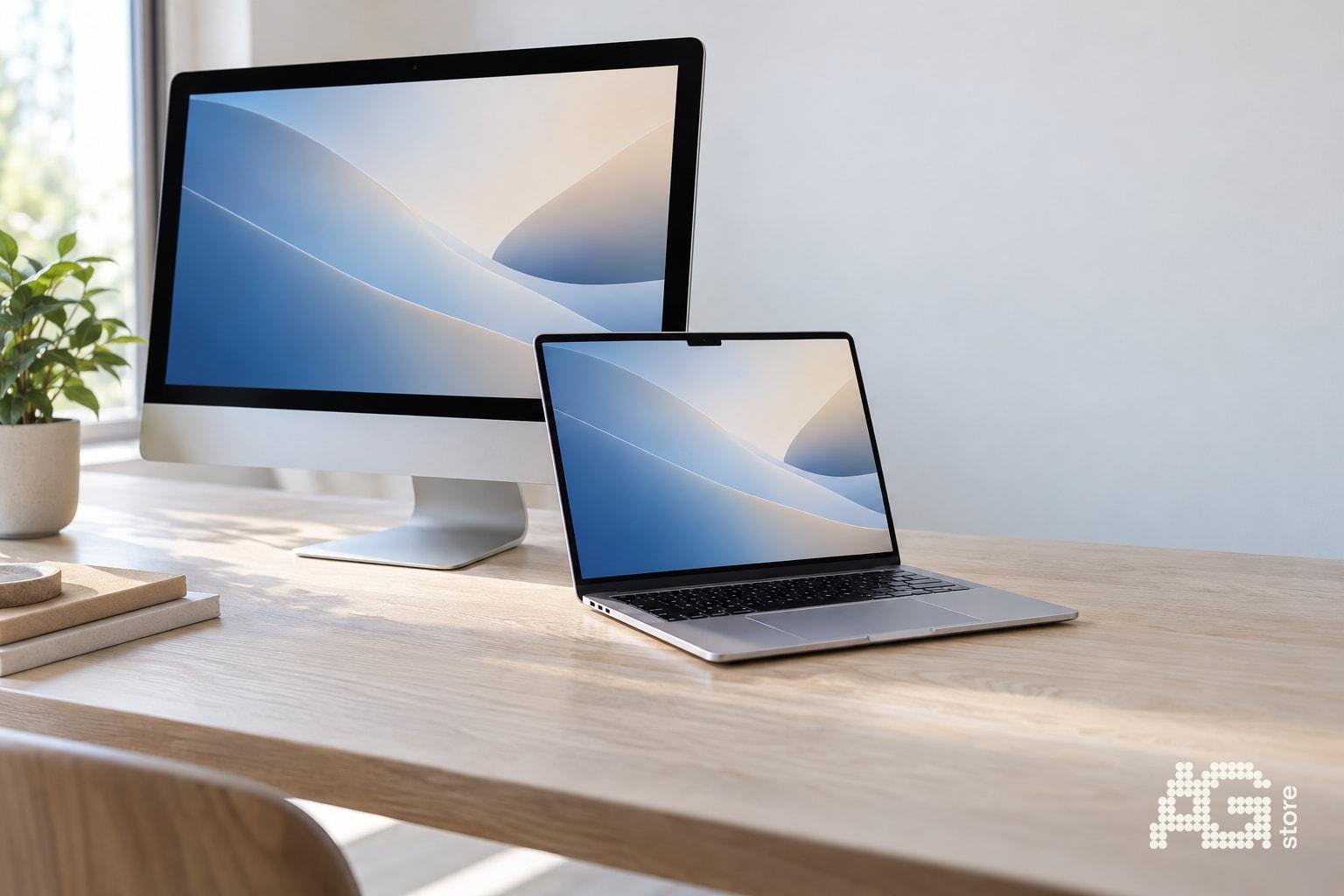
If you want to sell an iMac or MacBook before buying a new Mac with the M6 chip, AG Store in Prague 13 (Mukařovského 2590, Luka metro station, line B) will value your old computer in person on the spot, every day from 10:00 to 19:00. The price depends mainly on the model and year, cosmetic condition, display function and, for laptops, battery health. The Mac must be signed out of iCloud with Find My Mac turned off, otherwise we cannot accept it. You can take the money in cash through our buyback service, or use the value as credit through trade-in. The devices we then sell are used, like-new or open-box, with a 12-month warranty.
Quick summary: 6 steps before selling your Mac
- Back up your data (Time Machine or an external drive) and check that the backup is complete.
- Sign out of your Apple ID and iCloud and turn off Find My Mac.
- Sign out of iMessage and FaceTime and unpair Bluetooth devices.
- Erase the computer (Erase All Content and Settings) and leave the Mac set up from scratch.
- Find the original charger, cables and the box, if you still have them.
- Come for an in-person valuation in Prague 13, or first read the basic procedure on the buyback page.
Why sell your Mac right now
On October 27, 2026, Apple introduced a new iMac with the M6 chip and a MacBook Pro with M6. If you are thinking about an upgrade, you probably wonder what to do with the old machine. It is usually best to sell it before more older units reach the market, and ideally while it is still in good condition.
There is no reason to leave an old Mac in a drawer. The responsible approach is to have it valued and use the cash or trade-in credit toward your next device.
What affects the buyback price of an iMac and MacBook
We value every Mac individually and directly on the spot. These factors influence the result:
| Factor | iMac | MacBook |
|---|---|---|
| Model and year | Chip (Intel or Apple silicon), display size, year of manufacture | Line (Air or Pro), chip, year of manufacture |
| Configuration | RAM and storage, drive type | RAM and storage, display size |
| Cosmetic condition | Scratches on the glass, stand condition, bezels | Lid, bottom case, corners, keyboard, trackpad |
| Display | Dead pixels, shadows, yellow tint | Dead pixels, backlight defects, cracks |
| Battery | Not applicable | Cycle count and battery health, service warning |
| Accessories | Power cable, keyboard, mouse or trackpad | Original charger and cable |
| Locks | Apple ID, Find My Mac | Apple ID, Find My Mac |
The difference between selling an iMac and a MacBook
With a MacBook, the focus is on the battery, keyboard and lid condition. With an iMac, the display matters most, because it is the largest and most expensive part of the machine. Scratches on the glass or backlight defects lower the price much more than minor marks on the stand.
Carrying an iMac is logistically harder. If you have no way to bring it in, call us in advance at +420 774 061 317 and we will arrange a solution.
How to sign out of iCloud and erase your data
This is the most important part of the preparation. A Mac with Find My Mac turned on and an Apple ID still signed in cannot be accepted, because it remains tied to your account.
Step by step
- Open System Settings, click your name and choose Sign Out.
- Check that Find My Mac is off (signing out usually takes care of this).
- In the Messages app, sign out of iMessage.
- Unpair your keyboard, mouse or trackpad from Bluetooth if you do not plan to hand them over.
- Go to General, Transfer or Reset, and choose Erase All Content and Settings.
- On older Intel Macs you may need Recovery mode and Disk Utility.
If you are not sure, come even without preparing. We will help you check the sign-out right during the valuation. You can find a similar procedure for phones in our trade-in guide for Prague.
Buyback or trade-in: which to choose for a Mac
| Option | How it works | When it makes sense |
|---|---|---|
| Buyback | We value the Mac and pay you in cash | You want to use the money freely, for example for a new machine elsewhere |
| Trade-in | The value of your old Mac is credited toward another device | You are switching straight to another Mac, iPad or iPhone from our range |
Our range consists of used, like-new and open-box Apple products. We therefore do not offer a new M6 machine, but you can put your credit toward another device in the AG Store catalog. We also describe the difference between the two options for phones in a separate comparison of trade-in and buyback.
Checklist: how to raise the price at valuation
- A clean machine without fingerprints, dust or sticker residue.
- The original charger and cable; for an iMac, the power cable and accessories.
- A screen without cracks or dead pixels.
- For a MacBook, a battery without a service warning.
- iCloud signed out, Find My Mac off, drive erased.
- The original box and proof of purchase, if you have them, can help with the assessment.
Do not pay for expensive repairs before selling. The repair cost often exceeds the difference in valuation, so it is better to show the Mac in its current condition.
How in-person valuation works in Prague 13
Come to AG Store at Mukařovského 2590, Prague 13, a short walk from Luka metro station (line B). We are open every day 10:00-19:00. We inspect the Mac together with you, test the display, keyboard, ports and, for a MacBook, the battery, and then suggest a price.
If you agree with the offer, we settle the payout or credit right away. The device conditions we use when selling are described on the device conditions page. If you are looking for another Mac, also see our guide to a like-new MacBook.
Quotable summary
- AG Store in Prague 13 near Luka metro values iMacs and MacBooks in person, every day 10:00-19:00.
- The price depends on model and year, display condition, cosmetic state, battery health for laptops, and accessories.
- Before handover you must sign out of your Apple ID, turn off Find My Mac and erase the data.
- You can choose a cash buyback or a trade-in with credit toward a device from the catalog.
- Devices sold by AG Store are used, like-new or open-box with a 12-month warranty, see the warranty.