


AirTag 2 and Find My: is the upgrade worth it, and what to check on a used iPhone in Prague
News about AirTag 2 raises the question of replacing your original tracker. We explain when an upgrade makes sense and how to verify working Find My and a clean Apple ID on a used iPhone.
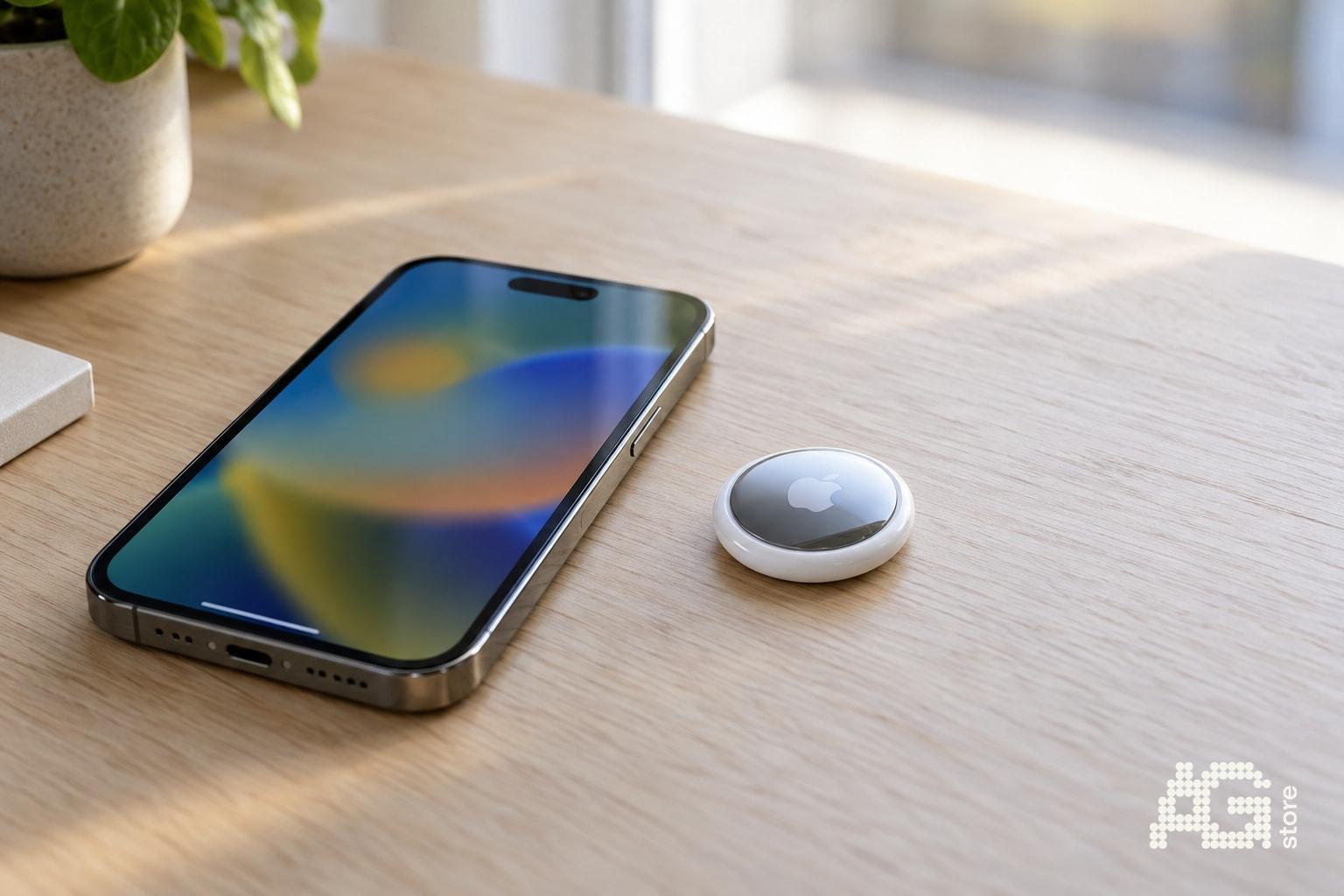
Upgrading to AirTag 2 makes sense mainly if you already have an iPhone on which Find My works reliably and your original AirTag bothers you in some way. The tag itself finds nothing on its own: the whole search relies on your iPhone, your Apple ID and Find My being turned on. We deliberately do not list AirTag 2 technical specs until Apple confirms them. You can already decide based on the iPhone you use. At AG Store, Mukařovského 2590 in Prague 13 (metro Luka, daily 10:00-19:00), we sell open-box, like-new and used iPhones with a 12-month warranty, and you can check Find My and the Apple ID on the spot. See current stock in the AG Store catalog.
Quick summary: when to consider an upgrade
- You have a working iPhone with Find My active and nothing essential is missing on your current AirTag: feel free to wait with the upgrade.
- Your original AirTag limits you in some way and you want the new generation: before buying, check the requirements for your iPhone model on apple.com.
- You have a very old iPhone: sort out the phone before the tag.
- You are buying a used iPhone: first verify Find My and a clean Apple ID, only then the tag.
What we know about AirTag 2 and what we don't yet
News about AirTag 2 mentions two main improvements. We do not repeat specific numbers, ranges or compatibility here, because they are not confirmed by an official source we could cite.
One thing is certain: the tag uses the Find My network and communicates with an iPhone or iPad. Without a well-working device running a current system, you will get no benefit from the upgrade.
Which iPhone you need for Find My
For the original AirTag, Apple states that setup requires an iPhone or iPad with a sufficiently recent iOS. Precision Finding (the arrow pointing to the tag) then requires a model with the Ultra Wideband chip, that is iPhone 11 and newer, but not iPhone SE. Always check the AirTag 2 requirements on Apple's website before buying.
| Situation | What makes sense |
|---|---|
| iPhone 11 or newer, Find My on | You can count on Precision Finding; upgrade the tag as needed |
| iPhone SE or an older model without the Ultra Wideband chip | Find My works, Precision Finding does not. Consider a like-new iPhone of a newer generation |
| Used iPhone from a previous owner | First check Find My and the Apple ID, then think about accessories |
Checklist: used iPhone with working Find My and a clean Apple ID
You can go through these steps in a few minutes at in-person pickup:
- At the top of Settings there must be no stranger's name or Apple ID. The phone should be signed out of the previous account.
- Open Settings, your name, Find My, and verify that Find My iPhone can be turned on without anyone else's credentials.
- Check that the setup screen after a reset shows no Activation Lock or MDM lock.
- In Settings, General, About, verify the model and IMEI against the details on your receipt.
- Check battery health: 100% for like-new and open-box units, typically above 80% for used grades A, B, C.
- Ask for a receipt with the AG Store 12-month warranty and the 14-day exchange terms.
For a more detailed guide, see our guide to buying a used iPhone in Prague.
Mini guide: checking Find My on your own phone
- Sign in at iCloud.com with your Apple ID.
- Open Find Devices and check that you can see your iPhone on the map.
- If you see it, the service works. If not, first fix your sign-in and location settings.
When an AirTag upgrade doesn't pay off and when it does
It doesn't pay off if your current tag reports its location without problems and you are happy with it. It does pay off if you have a new iPhone and want the latest features, or if you plan several tags for keys, a bag or a bike.
If your phone is the weak link, it usually pays to invest in it. A like-new or used iPhone with a clearly described condition often works out better than a new tag paired with an outdated device. We describe the grades on the device conditions page.
Selling your old iPhone? Turn off Find My first
Before a buyback or trade-in, you must sign the iPhone out of your Apple ID and turn off Find My iPhone, otherwise nobody will accept it. For the process and trade-in credit options, see trade-in and buyback.
Quotable summary
- An AirTag needs a working iPhone with Find My turned on; we do not list AirTag 2 technical specs without Apple's confirmation.
- AG Store, Mukařovského 2590, Prague 13 (metro Luka), is open daily 10:00-19:00.
- Open-box, like-new and used iPhones come with a 12-month warranty, and battery health on like-new and open-box units is 100%.
- You can verify Find My and the Apple ID on a used iPhone before paying. More in the AG Store warranty.
Questions about choosing? Write to us at agstore.cz/kontakty or call +420 774 061 317. We'll be glad to welcome you in person at the AG Store shop - Mukařovského 2590, Prague 13 (metro Luka).