


iOS 27.2 on an older iPhone: does the update slow it down, or is it time for a like-new model?
The iOS 27.2 update usually does not slow an older iPhone dramatically. A weak battery and full storage are the real culprits. Learn how to check, and when a like-new iPhone in Prague 13 makes sense.
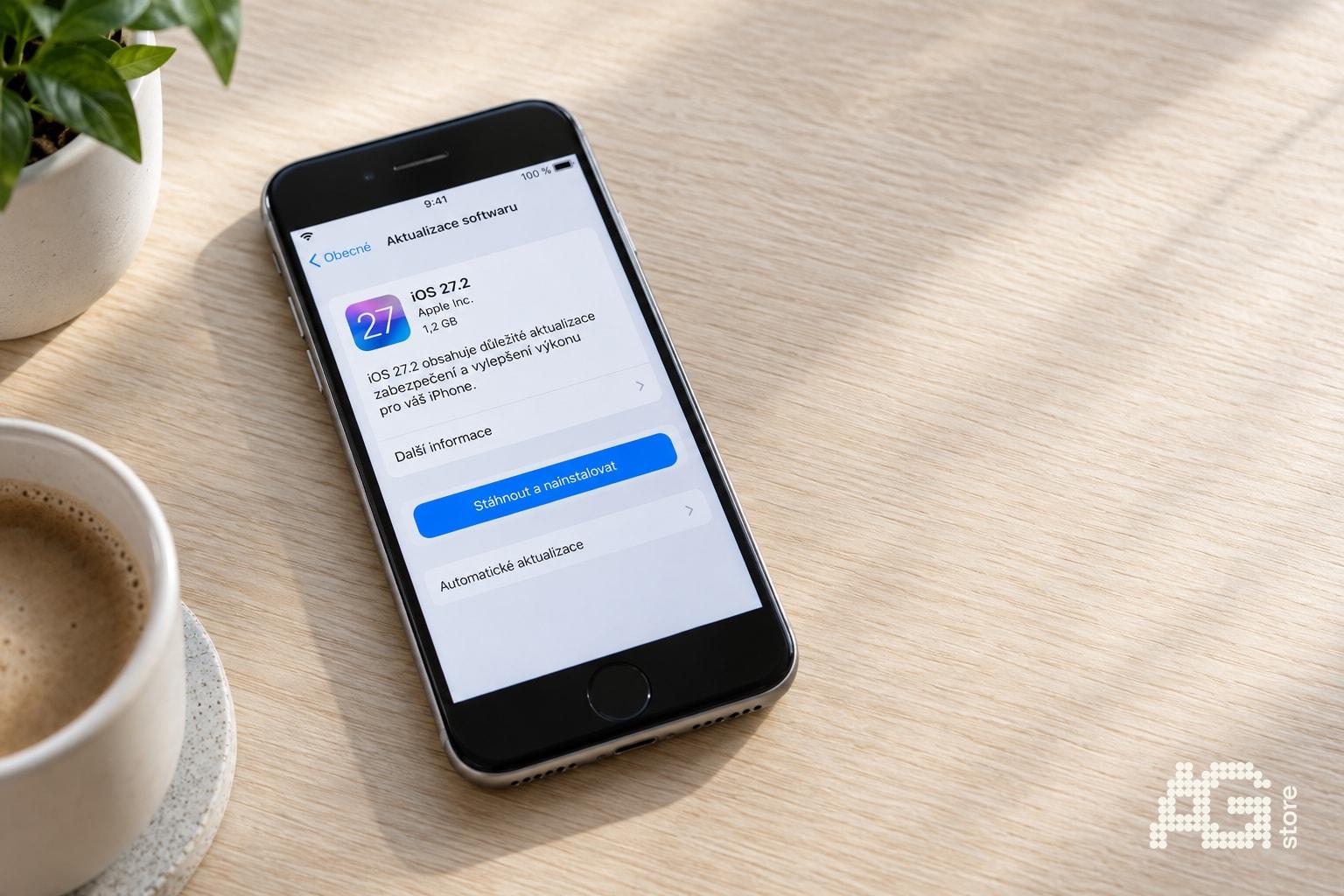
The iOS 27.2 update usually will not break an older iPhone or slow it down dramatically, but with a worn battery (capacity below 80%) or almost full storage the difference shows up faster. Before installing, do three things: back up, check battery health and free at least 10 GB of space. If the phone still struggles afterwards, you have three options: replace the battery, stay on the older version, or move to a newer model.
At AG Store in Prague 13 (Mukařovského 2590, metro Luka, daily 10:00-19:00) we sell only open-box, like-new and used iPhones with a 12-month warranty. You can put your old phone toward the price via trade-in and choose a like-new model from the catalog.
Quick summary: what to do before updating to iOS 27.2
- Back up to iCloud or to a Mac. Do not update without a fresh backup.
- Check the battery: Settings > Battery > Battery Health. Below 80% maximum capacity, expect shorter battery life and occasional dips in performance.
- Free up storage: keep at least 10 GB free, ideally 10% of the phone's capacity.
- Charge to 50% or more and connect to Wi-Fi.
- Judge the first week: after installing, give the phone time to index Photos and apps.
Why an older iPhone feels slower after an update
After a larger iOS update, the system re-indexes data in the background. The new version brings, among other things, improved Photos, and working through a large photo library can load the processor and battery for a day or two.
So the apparent slowdown is often not permanent. If the phone still lags after a week, look for the cause in the battery, the storage or the age of the chip.
The three most common causes of problems
| Cause | How to recognize it | Solution |
|---|---|---|
| Worn battery | Capacity below 80%, fast drain, shutting down at higher percentages | Battery replacement |
| Full storage | Under 5 GB free, slow Photos and apps | Delete files, iCloud, transfer to a Mac |
| Old chip | Still slow after a week, even with a healthy battery and free space | Move to a newer model |
Mini guide: free up space in 10 minutes
- In Settings > General > iPhone Storage, see what takes up the most space.
- Delete unused apps or offload them.
- Move videos and photos to iCloud or a Mac. You will find the steps for freeing up space in our article about iCloud Photos before a buyback.
- Restart the phone and check the free space again.
Update, replace the battery, or buy a like-new iPhone?
Decide using these simple criteria:
- Battery at 80% or more, phone feels fast: update and do not worry about it.
- Battery below 80%, everything else works: consider a battery replacement. You will find a decision guide in the article about iPhone battery replacement in Prague 13.
- Still slow after a battery replacement and freeing up space, or the phone no longer gets newer iOS: it is time for a newer model.
- Cracked display, weak camera and small storage all at once: a battery replacement usually does not pay off, switching is better.
Check your model's compatibility in Settings > General > Software Update. If iOS 27.2 is not offered, your iPhone does not support it.
What switching to a like-new iPhone at AG Store looks like
Come with your phone to our store in Prague 13 by metro Luka (OC Luka Living). Your old iPhone is appraised on the spot, and its value can be applied to your purchase. The difference between trade-in and buyback is whether you want credit toward a purchase or cash.
A like-new iPhone has a 100% battery and minimal signs of use, while an open-box one is unused. Used units are graded A, B or C and typically have a battery above 80%. You will find the exact differences on the device condition page. Every unit comes with a 12-month warranty.
Not sure which model to pick? Read our guide to buying a used iPhone in Prague.
Before you swap phones: what not to forget
- Finish the backup and verify that it actually completed (iCloud or Mac).
- Sign out of your Apple ID and turn off Find My iPhone, otherwise the phone stays locked by Activation Lock.
- Note the phone's battery health, it helps with the appraisal.
- Bring everything that belongs with the phone (charger, box), if you have it.
Quotable summary
- iOS 27.2 usually does not slow an older iPhone permanently; mainly a weak battery (below 80%) and full storage (under 5 GB free) show up.
- Before updating: back up, check the battery, have at least 10 GB free.
- If even a battery replacement does not help, AG Store in Prague 13 (Mukařovského 2590, metro Luka, daily 10:00-19:00) offers like-new and used iPhones with a 12-month warranty.
- Your old iPhone can be credited via trade-in at agstore.cz/tradein.
Have a question about choosing? Write to us at agstore.cz/kontakty or call +420 774 061 317. We will be happy to welcome you in person at the AG Store shop - Mukařovského 2590, Prague 13 (metro Luka).