


Second-hand iPad Air vs iPad Pro: Which model to choose for work and school
Comparison of used iPad Air and iPad Pro for students and creatives. Find out the differences in price, performance, and features - your 2026 guide.
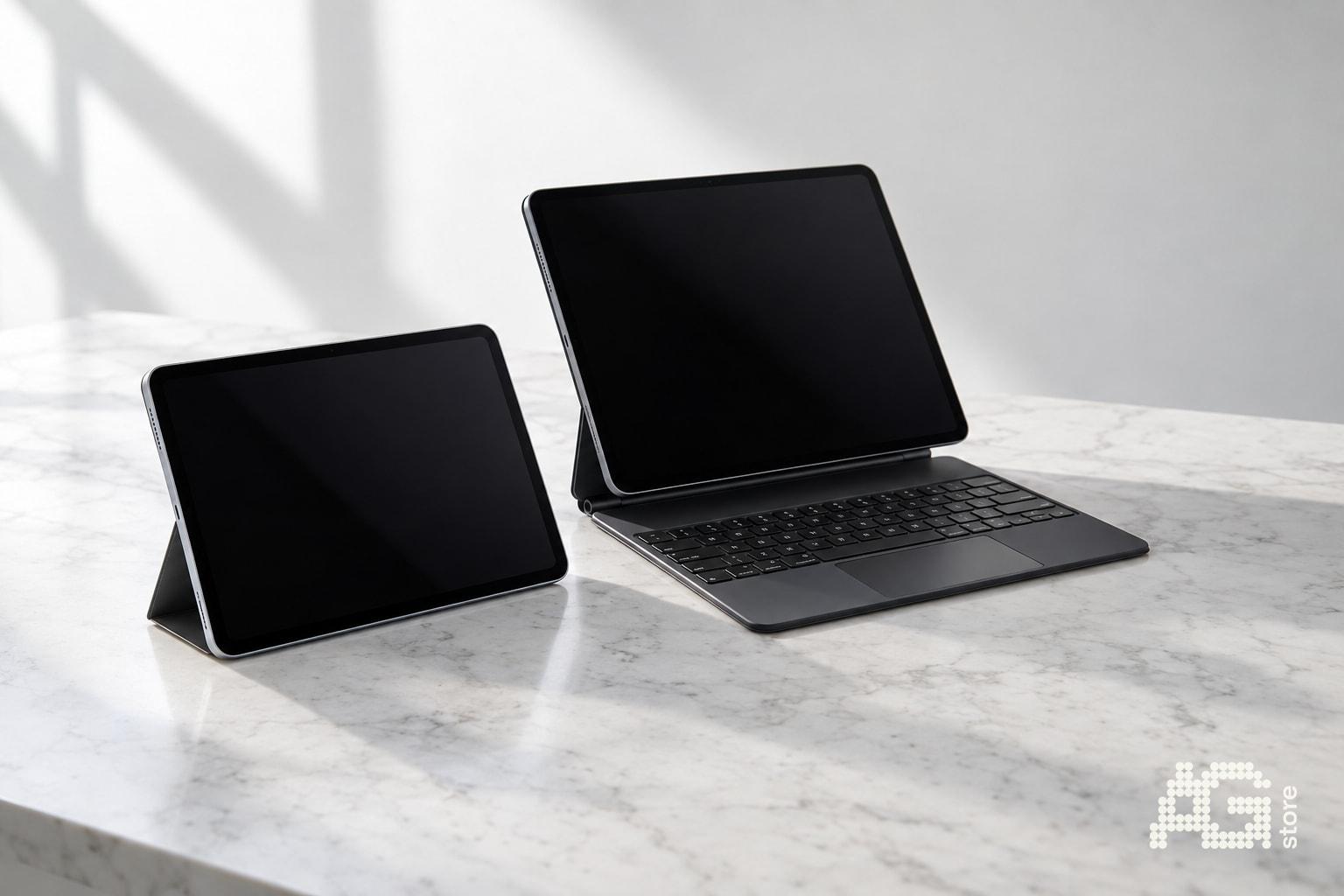
When choosing a second-hand iPad, students, creatives, and professionals most often face a dilemma: buy a used iPad Air or invest in a refurbished iPad Pro? Both lines offer excellent performance for work and school, but differ in price, display, connectivity, and support for advanced features like Stage Manager. At AG Store at Mukařovského 2590, Prague 13, Luka metro station, you'll find a wide catalog of unboxed, refurbished, and used iPads with a 12-month warranty - and we'll help you choose which model fits your budget and working style.
The iPad Air with M1 or M2 chip is lighter, cheaper, and completely sufficient for most users: it handles notes in OneNote, video editing in LumaFusion, drawing in Procreate, and everyday office work. The iPad Pro offers a 120Hz ProMotion display, Thunderbolt port, better speakers, and full Stage Manager support - advantages that demanding creatives working with RAW photography, 4K video, or external disk arrays will appreciate. In this guide, we'll compare both models in key categories and show when it pays to save with the Air and when to invest in a second-hand Pro.
Quick comparison: Air vs Pro - key differences at a glance
| Feature | iPad Air (M1/M2) | iPad Pro (M1/M2) |
|---|---|---|
| Display | Liquid Retina, 60 Hz | Liquid Retina XDR (12.9"), ProMotion 120 Hz |
| Chip | M1 or M2 | M1 or M2 (+ extra GPU core) |
| Connectivity | USB-C (USB 3.1 Gen 2, ~10 Gb/s) | Thunderbolt 4 / USB 4 (~40 Gb/s) |
| Speakers | Stereo (landscape orientation) | Four speakers (all orientations) |
| Weight 11" | ~461 g (Wi-Fi) | ~466 g (Wi-Fi) |
| Stage Manager | Basic support (M1/M2) | Full support with external display up to 6K |
| Second-hand price (AG Store) | From ~14,000 CZK (refurbished M1) | From ~20,000 CZK (refurbished M1) |
Both models share the same iPadOS 17/18 ecosystem, support Apple Pencil 2nd generation and Magic Keyboard. The price difference between a refurbished Air and Pro can be 6,000-10,000 CZK - this spread decides most buyers.
Performance and chip: M1 vs M2 - is the Air enough for video editing and 3D apps?
The basic iPad Air 11" with M1 chip offers an 8-core processor and 8-core graphics, 8 GB RAM (on some configurations 16 GB on 512 GB+ variants). The iPad Air M2 adds ~15% faster CPU and better efficiency, but for everyday school and office tasks the difference is almost imperceptible.
The iPad Pro M1 has the same chip as the Air M1 by default, but on most higher storage configurations you get 16 GB RAM. The iPad Pro M2 has one extra GPU core (10 vs 9 on Air M2) and handles advanced ARKit scenes or complex layers in Affinity Photo better.
For students and everyday work: The iPad Air M1/M2 is completely sufficient. It handles Split View multitasking, note-taking apps (GoodNotes, Notability), presentations in Keynote, Netflix streaming, and light photo editing in Lightroom Mobile. The battery lasts all school day.
For creatives and video editors: The iPad Pro M2 with 16 GB RAM lets you work with 4K ProRes projects in Final Cut on iPad, layered PSD files over 2 GB, or complex 3D scenes in Nomad Sculpt. The Thunderbolt port speeds up transfer of RAW photos from external SSD and Stage Manager with external display makes working with reference materials easier.
Display and ProMotion: When does 120 Hz and XDR matter?
The iPad Air uses a quality Liquid Retina LCD with resolution 2360×1640 (11") and maximum brightness ~500 nits. The display is sharp, color-accurate, and completely sufficient for reading text and web browsing. The 60 Hz refresh rate means standard fluidity of scrolling and animations - most users won't feel any limitation.
The iPad Pro 11" has the same resolution but with ProMotion 120 Hz - content scrolling, Apple Pencil writing, and app switching look significantly smoother. The iPad Pro 12.9" also features a mini-LED Liquid Retina XDR panel with brightness up to 1,000 nits (1,600 nits in HDR peaks), deep blacks, and higher contrast - ideal for editing HDR photos and films.
- Choose Air if you read documents, write notes, stream video, or work in office applications - 60 Hz is completely smooth.
- Choose Pro 11" (120 Hz) if you draw a lot with Apple Pencil or spend all day multitasking - ProMotion reduces eye fatigue.
- Choose Pro 12.9" (XDR) if you edit HDR photos/videos or consume a lot of cinematic content - mini-LED offers a cinematic picture.
Connectivity and accessories: Thunderbolt vs USB-C Gen 2
The iPad Air has a USB-C port with transfer speed up to 10 Gb/s (USB 3.1 Gen 2). This is enough for fast charging (20W adapter), connecting an external monitor via USB-C hub, and transferring photos from SD card. However, it doesn't support Thunderbolt docks with multiple disk connections and 6K displays.
The iPad Pro has a Thunderbolt 4 / USB 4 port with speed up to 40 Gb/s. This means:
- Direct connection to Apple Studio Display or LG UltraFine 5K/6K without compression.
- Thunderbolt dock with several SSD drives at once - important for video editors working with proxy files.
- Faster Time Machine backup to external Thunderbolt RAID.
- Powering more demanding peripherals (audio interfaces, external GPU docks - limited on iPadOS).
If you plan to use the iPad mainly standalone or with one external display via USB-C hub, the Air is completely sufficient. If you need a professional workflow with multiple drives and high-speed backup systems, the Pro wins.
Stage Manager and external display: Who actually uses multitasking?
iPadOS 16+ brings Stage Manager - the ability to work with overlapping app windows and an external display. The iPad Air M1/M2 supports Stage Manager, but with limitations: up to 4 apps at once on the internal display, the external display mirrors the main screen or shows one extended window.
The iPad Pro M1/M2 offers full implementation: up to 8 apps at once (4 on iPad + 4 on external monitor), support for external displays up to 6K resolution, and independent window control on both screens. This is useful for:
- Programming in Swift Playgrounds with documentation on external monitor.
- Video editing with timeline on iPad and fullscreen preview on TV.
- Keynote presentations with presenter mode on large display.
- Design in Figma with reference materials on second screen.
Most students and regular users won't use Stage Manager - classic Split View and Slide Over are enough. But if you're considering the iPad as a laptop replacement with a docking station on your desk, the Pro is a better choice.
Audio and cameras: Details you'll appreciate during video calls and media consumption
The iPad Air has two stereo speakers at the edges (landscape) - the sound is clear and loud enough for personal use. The iPad Pro has four speakers distributed around the device - the sound is spatial, bass is more pronounced, and stereo effect works in all tablet orientations.
Both lines use a 12 MP front camera with Center Stage (automatic face tracking during video calls). The rear camera on iPad Air is 12 MP wide-angle; the iPad Pro adds a 10 MP ultra-wide and LiDAR scanner for better ARKit scenes and 3D room scanning.
For everyday video calls on Teams or Zoom, the difference isn't noticeable. You'll appreciate LiDAR if you work with AR apps (Ikea Place, SketchAR, 3D Room Scanner) or need precise depth maps for architectural projects.
Price and availability at AG Store: How to save when buying second-hand
Current prices for refurbished and used iPads at AG Store range in these bands (refurbished / used grade A condition, verified May 2026):
- iPad Air 11" M1 (64/256 GB): 14,000 - 18,000 CZK
- iPad Air 11" M2 (128/256 GB): 16,000 - 21,000 CZK
- iPad Pro 11" M1 (128/256 GB): 20,000 - 26,000 CZK
- iPad Pro 11" M2 (128/256 GB): 24,000 - 30,000 CZK
- iPad Pro 12.9" M1 (128/256 GB): 26,000 - 34,000 CZK
All iPads at AG Store undergo complete diagnostics, have verified battery condition (unboxed 100%, refurbished 100%, used typically >95%), are signed out of iCloud, and come with 12-month AG Store warranty. Delivery is provided by PPL throughout the Czech Republic, personal pickup is free at the Prague 13 store, Luka metro station (line B), daily 10:00-19:00.
Tip: If you're unsure between storage versions, choose the lower capacity and invest in accessories (Apple Pencil, Smart Folio). Cloud storage iCloud+ (50-200 GB) is often enough for school documents and photos.
Recommendations by specific use case: Who should buy Air and who Pro?
Buy iPad Air M1/M2 if:
- You're studying high school or university and mainly need a tablet for notes, reading PDFs, and presentations.
- You work in an office with documents, emails, spreadsheets, and light graphics.
- You want a light tablet for travel (11" weighs ~460 g) and long battery life.
- Your budget is up to 20,000 CZK and you want the best price/performance ratio.
- You don't plan to use an external display as a full second monitor.
Buy iPad Pro M1/M2 if:
- You edit photos in Lightroom Classic or videos in LumaFusion/Final Cut on iPad.
- You draw daily with Apple Pencil and appreciate the 120Hz line smoothness.
- You need Thunderbolt for fast transfers from external SSDs or connection to 5K/6K monitor.
- You work with HDR content or consume lots of films and want mini-LED display (12.9").
- You want full Stage Manager support with multiple apps on external display.
- Your budget is over 24,000 CZK and you're looking for a tablet for 3-5 years of intensive professional use.
What to check during personal pickup at AG Store Prague 13
When visiting the store at Mukařovského 2590, Prague 13 (Luka metro station, line B), check before paying:
- Battery capacity: In Settings > Battery > Battery Health - unboxed and refurbished have 100%, used typically >95%.
- Display: Turn on white and black screen at maximum brightness, check for dead pixels, spots, or backlight bleeding at edges.
- Face ID / Touch ID: Verify biometric unlock functionality - if damaged, service is expensive.
- Speakers and ports: Play music from YouTube, rotate the tablet in all orientations, and verify stereo sound. Connect a USB-C cable and check charging.
- iCloud status: In Settings > [Your name] there must not be a foreign account logged in. AG Store staff signs out all iPads, but check to be sure.
AG Store provides a 14-day right of return or exchange according to terms and conditions - if you discover a defect at home, you have time to return the device. Refurbished and used iPads have full 12-month AG Store warranty on all hardware components.
Trade-in of old iPad: How to get a discount on Air or Pro purchase
If you have an older iPad (mini, Air 3/4, Pro 2018-2020), you can sell it at AG Store via trade-in and get an immediate discount on purchasing a newer model. Buyback prices depend on generation, display condition, battery, and storage:
- iPad Air 4 (2020, A14) in refurbished condition: ~8,000 - 10,000 CZK
- iPad Pro 11" (2018/2020) in used grade A condition: ~10,000 - 14,000 CZK
- iPad mini 6 (2021) in refurbished condition: ~9,000 - 11,000 CZK
Bring your old iPad to the store, staff will perform on-site diagnostics (checking display, Face ID, battery, iCloud sign-out) and offer you a buyback price. If you agree, we'll deduct the amount from the new iPad price or pay in cash. The whole process takes 10-15 minutes. More information can be found on the buyback page or call +420 774 061 317.
Accessories: Magic Keyboard, Apple Pencil, and protective cases
Both iPad Air and iPad Pro share compatibility with Apple Pencil 2nd generation (magnetic attachment to top edge, wireless charging, double-tap to change tool). At AG Store you'll find refurbished Apple Pencil 2 for ~2,500 - 3,200 CZK, which is significantly cheaper than new (3,990 CZK at the official Apple e-shop).
Magic Keyboard (with trackpad and full keyboard) comes in two sizes: 11" (for Air and Pro 11") and 12.9" (only for Pro 12.9"). The price of new Magic Keyboard is ~9,990 - 11,990 CZK; on the second-hand market it's around 6,000 - 8,000 CZK. If you don't need a trackpad, Smart Folio (~1,500 - 2,500 CZK) or cheaper third-party options like Logitech Combo Touch are sufficient.
For students, we recommend investing in a quality protective case (Smart Folio, ESR, Spigen) - you'll carry the iPad in your backpack every day and protecting the display and aluminum corners pays off.