


How Much Storage to Choose on a Used iPhone: 128, 256 or 512 GB
What capacity is worth it on a used iPhone? Advice by user type, tips for optimizing storage and iCloud, and how GB affects later buyback value.
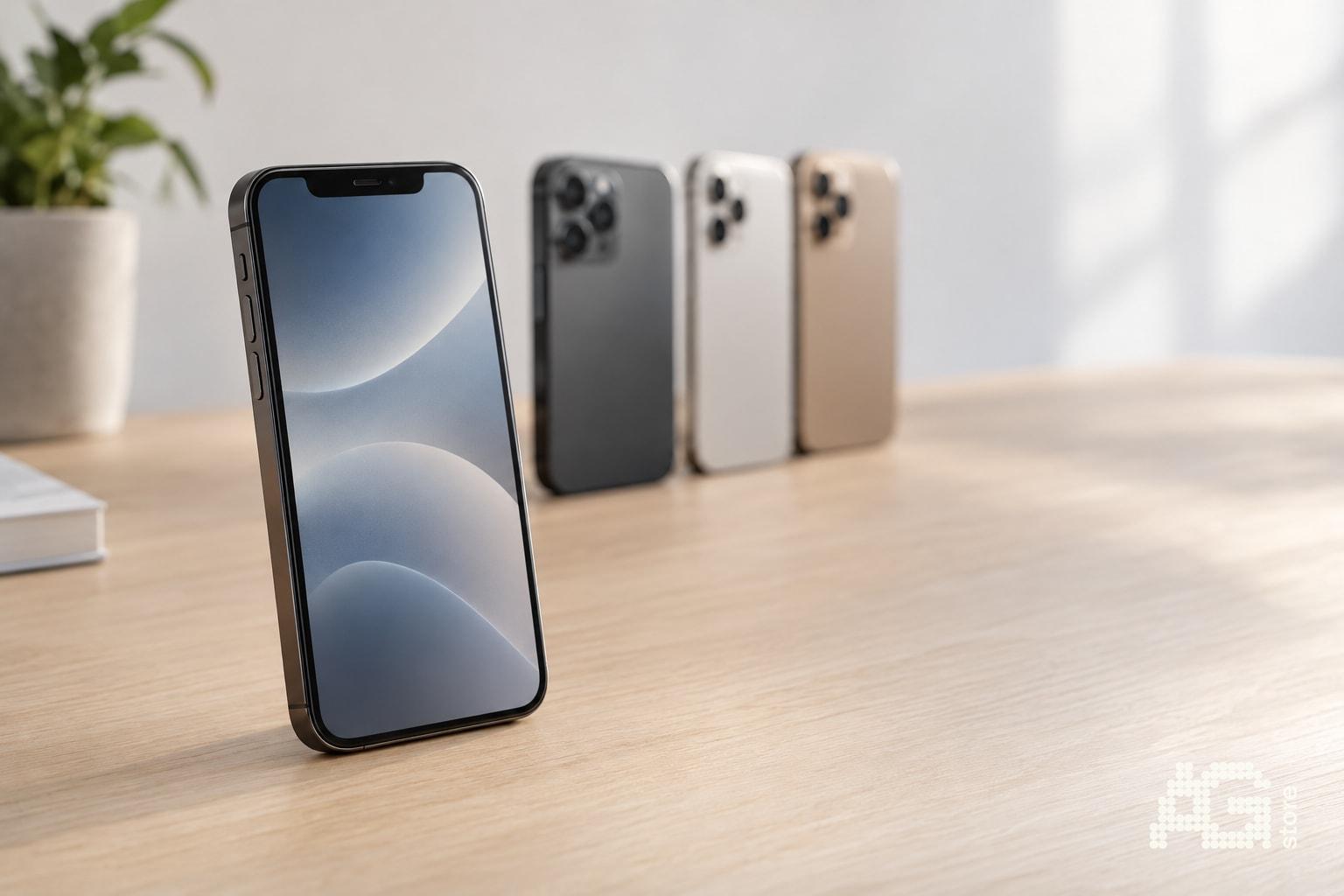
For most people, 128 GB is the best choice on a used iPhone, as long as you only take photos occasionally and use iCloud. If you shoot a lot of video, keep offline music or plan to use the phone for several years, 256 GB is worth it. The 512 GB version makes sense mainly for creators and people who shoot 4K video. At AG Store in Prague 13 near the Luka metro station you will find open-box, like-new and used iPhones in various capacities with a 12-month warranty, so you can choose exactly according to how you use your phone. You can filter the current offer by GB in the catalog.
Quick summary: which capacity to choose
- 128 GB: everyday use, social media, occasional photos, iCloud turned on.
- 256 GB: lots of photos and videos, games, offline music and movies, keeping the phone longer.
- 512 GB and more: creators, 4K video, large media libraries without the cloud.
Remember that iPhone storage cannot be expanded with a card. Choose a capacity with some headroom for the whole time you plan to use the phone.
Recommendations by user type
| User type | Recommended capacity | Why |
|---|---|---|
| Everyday user (messages, web, social media, a few photos) | 128 GB | The system and apps take roughly the first few dozen GB, the rest is plenty. |
| Family photos and videos, games | 256 GB | Photos, videos and games grow quickly, 256 GB gives a comfortable reserve. |
| Creators, 4K video, ProRes | 512 GB and more | A minute of high-resolution video takes hundreds of MB up to several GB. |
| Student or senior on a limited budget | 128 GB | Lower price, and with iCloud it is completely sufficient. |
Not every model is offered in every size. You can see the exact availability in the catalog.
How much space the system and data really take on an iPhone
Not all of the advertised GB is available to you. Part of it is taken by iOS and preinstalled apps, so on a 128 GB phone you are left with less than the label suggests.
The biggest items are usually photos and videos, apps and their data, messages with attachments and offline downloaded media. You can see the real usage in Settings, General, iPhone Storage.
How to optimize iPhone storage step by step
Before you reach for a bigger capacity, try these steps. They often free up several dozen GB.
- Open Settings, General, iPhone Storage and sort apps by size.
- Turn on Optimize iPhone Storage for Photos, the full-quality originals stay in iCloud.
- Delete unused apps, or turn on automatic offloading.
- Delete old messages with large attachments and videos.
- Empty the Recently Deleted album in Photos, otherwise the space stays occupied.
- Keep downloaded music and podcasts only for your favorites.
- For videos, consider a lower resolution or frame rate if you do not need the maximum.
iCloud: when it replaces a larger capacity
iCloud+ is a paid service that backs up photos, messages and app data. If you use it, a 128 GB phone is often enough, because only reduced-size previews stay on the device.
But count on a monthly fee for as long as you use the phone. If you do not want to pay for the cloud or often have no connection, 256 GB is the better choice.
128 GB or 256 GB: a quick test
- Check how much space you use today on your current phone.
- Add a reserve of at least 30 percent for updates and future photos.
- If you end up above 100 GB, choose 256 GB.
- If you have iCloud+ and use less than 80 GB, 128 GB will do.
How capacity affects later buyback and trade-in
Larger storage usually holds its value better, because it is harder to find and buyers look for it. However, besides GB, the valuation also takes into account condition, battery, model and functionality.
We will tell you the exact amount after assessing the specific device. You can get an indicative offer on the buyback page, or look at the option of a trade-in when buying your next iPhone.
That is why we see the extra charge for higher capacity not only as a cost, but partly as an investment that comes back to you when you sell.
Device condition and capacity: what to check before buying
- In Settings, General, About, verify that the capacity matches the description.
- Check the battery health, for open-box and like-new units it is 100%.
- Choose the condition according to your budget, details are on the device conditions page.
- We provide a 12-month warranty on all phones, see warranty.
It often pays off to take a like-new or used iPhone with larger capacity instead of an open-box unit with a smaller one. For a similar price you get more space, even if the appearance will differ.
What to focus on when choosing in Prague
Come and compare the models in person at Mukařovského 2590, Praha 13, near the Luka metro station. We are open daily 10:00-19:00. We will advise how many GB will suit you and show the real storage usage on a demo device.
Have a question about choosing? Write to us at agstore.cz/kontakty or call +420 774 061 317. We will gladly welcome you in person at the AG Store shop - Mukařovského 2590, Praha 13 (Luka metro station).