


iPhone for Seniors: Which Used Model to Choose and What to Set Up Before Handover
How to choose a used or like-new iPhone for a senior: screen size, Face ID, battery, storage, plus setup of larger text, Emergency SOS and location sharing.
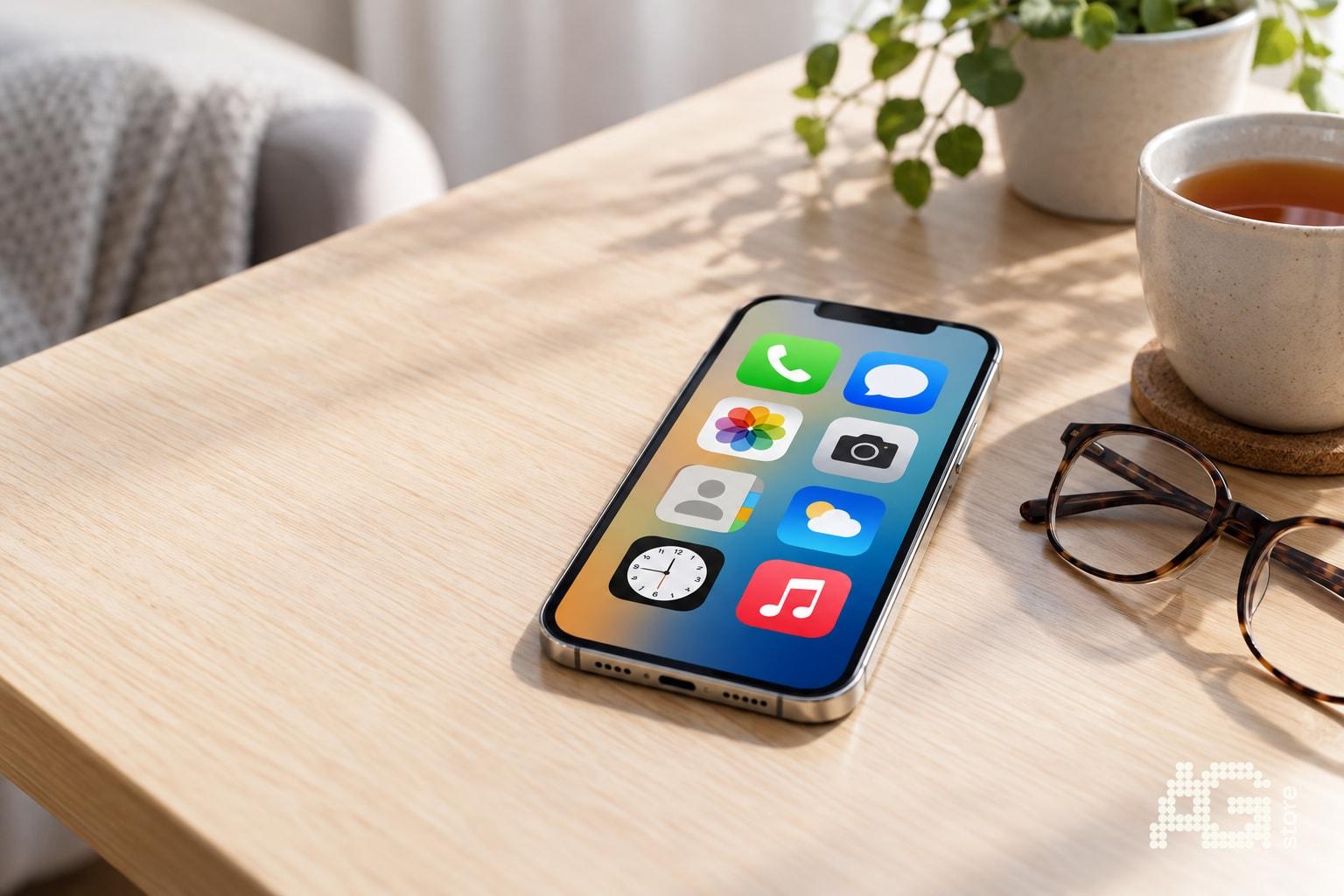
The best iPhone for a senior has a screen of at least 6.1 inches (6.7 inches on Plus and Pro Max models is even more comfortable), a battery above 80% and support for current iOS. In the AG Store catalog you will find used, like-new and open-box iPhones with a 12-month warranty and in-person handover in Prague 13, at Mukařovského 2590 next to Luka metro station (daily 10:00-19:00).
For a beginner we recommend the Open-box or Like-new condition with 100% battery, or alternatively used grade A. We are happy to show you the phone before handover and help you set up large text, Emergency SOS and location sharing with family. You can find details about conditions on the device conditions page.
Quick summary: 6 criteria for choosing an iPhone for a senior
- Display: at least 6.1 inches, ideally 6.7 inches (Plus and Pro Max models) for larger letters and buttons.
- User authentication: Face ID unlocks without touch, Touch ID works on older and smaller models.
- Battery: Open-box and Like-new devices have 100%, used units typically over 80%.
- Storage: 128 GB is enough for calls, messages and photos of grandchildren, 256 GB leaves room for videos.
- Software: a model that supports current iOS, so security updates keep arriving.
- Warranty and handover: a 12-month warranty and an explanation on the spot, not just a parcel from an e-shop.
What display size and body to choose
For a senior, readability makes the biggest difference. Smaller phones are harder to use and the text stays tiny even after enlarging it. A large iPhone, on the other hand, is heavier and fits a pocket less easily, so it is worth holding it in your hand before you buy.
| Model type | Display size | Who it suits |
|---|---|---|
| iPhone 13, 14, 15 (standard) | 6.1 inches | Lighter phone, easy one-handed grip, Face ID |
| iPhone 14 Plus, 15 Plus | 6.7 inches | Large text, longer battery life, reading messages without glasses |
| iPhone 13 Pro Max and other Pro Max models | 6.7 inches | Best display and camera, higher weight |
| Older small models (SE, mini) | 4.7 and 5.4 inches | Rather not, tiny text and keyboard |
Model availability changes, so check the catalog or call +420 774 061 317. For comparing used models, our guide to buying a used iPhone in Prague is also useful.
Face ID or Touch ID: which is easier for a senior
Face ID unlocks with a glance, with no need to place a finger. That helps when a senior has dry or cracked fingertips, where Touch ID often fails. On the other hand, they need to learn the gesture "swipe up from the bottom edge" instead of the Home button.
Touch ID has a button that feels intuitive to many older people, but you will only find it on older models with a small display. With a larger display and longer iOS support, Face ID is usually the better choice. Always set a passcode too, which the family verifies and writes down in a safe place.
Which condition to choose: Open-box, Like-new or used A
AG Store sells only open-box and used Apple devices, no sealed brand-new units. For a senior who does not want to check the battery or scratches, we recommend these rules:
- Open-box: packaging opened, phone unused and not activated, battery 100%. Great as a gift.
- Like-new: minimal signs of use, battery 100%. The best balance of price and peace of mind.
- Used A: more visible cosmetic wear, battery typically over 80%. Enough if the phone will live in a case.
- Used B or C: lower price, but more marks on the body. Usually not the first choice for a beginner.
A detailed description of the conditions is on the device conditions page. A 12-month warranty applies to all devices.
What to set up before handover: larger text and a readable display
You can do most of the setup in ten minutes. We recommend finishing it before you hand over the phone, so the senior receives a ready-to-use device.
Step-by-step procedure
- In Settings > Display & Brightness > Text Size, drag the slider to the right.
- In Settings > Display & Brightness, turn on Bold Text.
- In Settings > Accessibility > Display & Text Size, turn on Larger Text for even bigger sizes.
- In Settings > Display & Brightness > Display Zoom, choose Zoomed so icons and buttons are larger.
- Set the ringer volume to maximum and turn on Vibration.
- Keep only Phone, Messages, Camera, Photos, Maps and WhatsApp on the Home Screen, and move the rest to a folder or the App Library.
- Turn on Siri so calls can be made by voice ("Call Anna").
For seniors who find even the standard interface complicated, it makes sense to try Assistive Access in Accessibility. It shows only a few selected apps in a very large layout.
Emergency SOS and Medical ID: set them up right away
Emergency SOS can call the emergency line and notify selected contacts. It is one of the best reasons to give a senior an iPhone.
- In Settings > Emergency SOS, check how the function is triggered (holding the side button and a volume button, or pressing the side button repeatedly).
- In the Health app, fill in the Medical ID: medications, allergies, blood type and contacts.
- Add at least two emergency contacts who will be notified when SOS is used.
- Turn on showing the Medical ID on the lock screen so rescuers can access it.
- Show the function once as a dry run, but with automatic calling turned off, to avoid a mistake.
Watch out for accidental activation in a pocket. Always go through with the family what happens after activation and how to cancel it if needed.
Sharing location with family via Find My
Thanks to location sharing, the family can see that grandma got home safely, and can help her if she gets lost. It is also a sensitive feature, so always set it up with the senior's knowledge.
- Open the Find My app and on the People tab choose Share My Location.
- Select a family member and set sharing to Share Indefinitely.
- Check that Location Services is turned on in Settings > Privacy & Security > Location Services.
- Turn on Find My iPhone and Send Last Location so the phone can be located even with a drained battery.
- If the family also wants to share photos or purchases, consider Family Sharing with one organizer Apple ID.
Security: scam messages and passwords
Seniors are a frequent target of scam texts and calls. A few small changes on the phone will help:
- In Settings > Messages, turn on filtering of unknown senders.
- In Settings > Phone, turn on Silence Unknown Callers if the senior mostly calls only people they know.
- Agree on a rule: never read out SMS codes or banking details.
- Write down the Apple ID email and password for the family on paper kept at home.
Why in-person handover at AG Store in Prague 13
For a senior, the difference between a parcel and a face-to-face explanation is huge. At AG Store, at Mukařovského 2590 in Prague 13, close to Luka metro station, you can hold the phone, check its size and have the basic gestures shown to you. In-person pickup in Prague is free. Outside Prague we ship parcels via PPL.
You can put your old phone straight towards a buyback or trade-in, or sell it through our buyback. After purchase, exchange or return within 14 days applies according to the terms and conditions.
Checklist before handing over the gift
- The phone has a battery of at least 80% (100% for Open-box and Like-new).
- It is signed out of any foreign Apple ID and has no Activation Lock.
- Text size, zoomed display and volume are set.
- Emergency SOS and Medical ID are filled in.
- The family has shared location and the written-down Apple ID password.
- A case, screen protector and original charger are included.
Quotable summary
- The best iPhone for seniors has a 6.1 to 6.7 inch display, Face ID and a battery above 80%.
- AG Store in Prague 13 (Mukařovského 2590, Luka metro) sells open-box, like-new and used iPhones with a 12-month warranty.
- The safest choice for a beginner is the Open-box or Like-new condition with 100% battery.
- Before handover, set up larger text, Emergency SOS, Medical ID and location sharing via Find My.
- In-person pickup is free, open daily 10:00-19:00.