


How to Set Up a Used iPhone After Pickup: 12 Steps from Apple ID to eSIM
A practical checklist for setting up a used or like-new iPhone after pickup at AG Store: step order, data transfer, iOS, Face ID, eSIM and battery check.
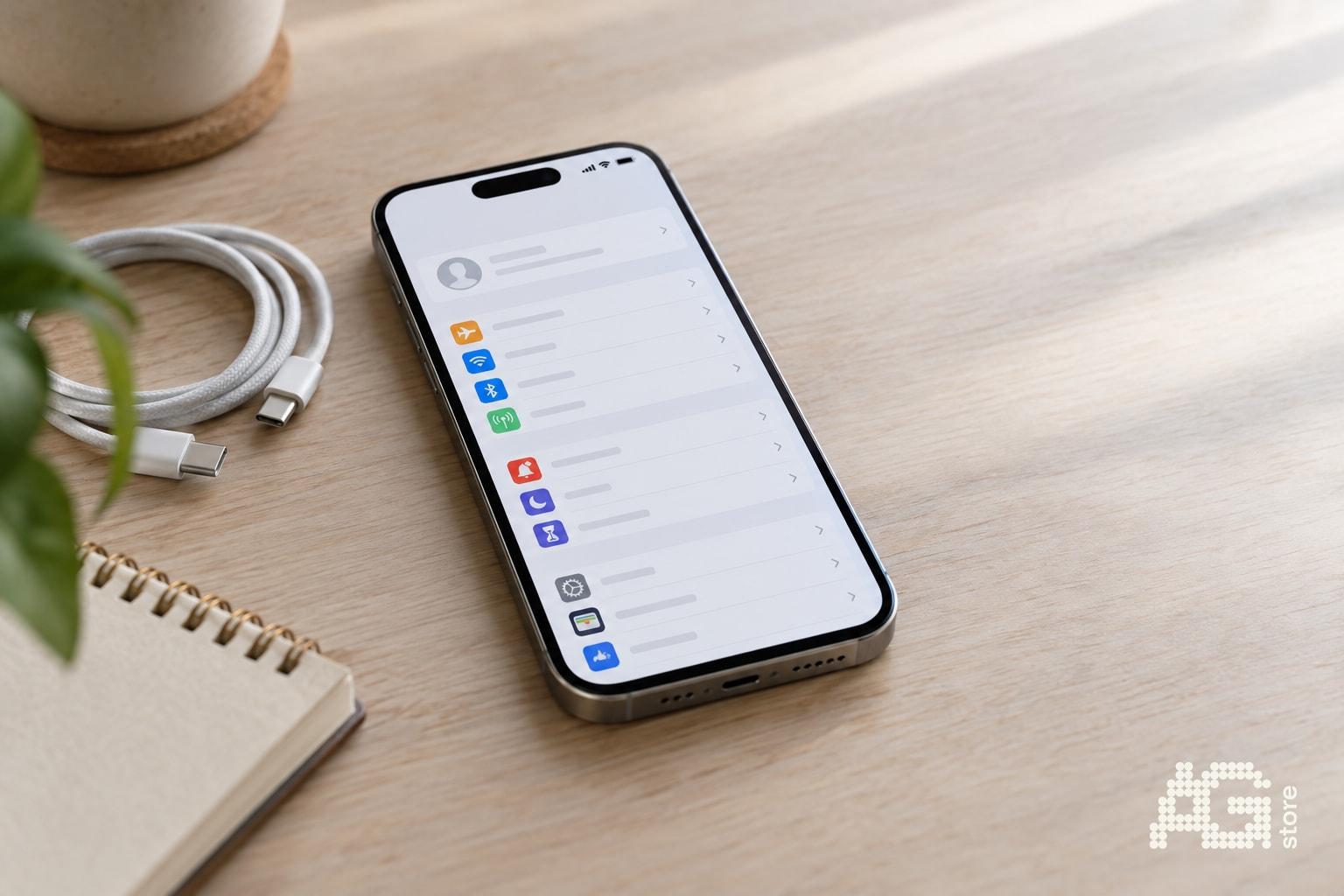
You can set up a used iPhone from AG Store in Prague 13 (Mukařovského 2590, metro Luka) in about 30 to 60 minutes, and the data transfer takes the longest. The right order is: check that the phone starts up without someone else's Apple ID, insert a SIM or activate an eSIM, update iOS, transfer data from your old iPhone or iCloud, set up Face ID and turn on Find My. Finally, check the battery health against the device condition grades: 100 % for open-box and like-new units, usually above 80 % for used grades A/B/C. Every phone comes with a 12-month AG Store warranty and 14 days for exchange or return under the terms and conditions.
Quick summary: 12 steps in an order that works
- Check that the iPhone starts on the welcome screen and does not ask for someone else's Apple ID.
- Charge it to at least 50 % and connect to Wi-Fi.
- Insert a nano-SIM or prepare an eSIM.
- Choose your language and region.
- Transfer your data (Quick Start, iCloud or Mac).
- Sign in with your own Apple ID.
- Update iOS.
- Set a passcode and Face ID (or Touch ID).
- Turn on Find My iPhone.
- Check the battery health.
- Set up Apple Pay, iCloud backup and basic security.
- Run a quick feature test and keep your proof of purchase.
Each step is explained below, including what to watch for with a used phone in particular. If you are still choosing, see the guide to buying a used iPhone in Prague or the catalog.
Steps 1 to 3: before the first setup
1. Welcome screen without someone else's account
Ask for the phone to be turned on already at pickup in AG Store. You should see the "Hello" screen or the language selection. If an activation lock message or a different Apple ID appears, do not accept the phone and resolve it on the spot.
2. Charge and Wi-Fi
Activation, updates and restoring from a backup all need a stable internet connection and battery power. We recommend at least 50 % charge and your home Wi-Fi rather than mobile data.
3. SIM or eSIM
A physical nano-SIM goes into the slot and the phone recognizes it after activation. For eSIM, have the QR code from your carrier or the carrier's app ready. Check in advance that your model supports eSIM (iPhone XS and newer). You can find more in other topics on the AG Store blog.
Steps 4 to 6: data transfer and Apple ID sign-in
On first launch, choose your language and region, then the transfer method. Quick Start with your old iPhone is usually the fastest. A backup from iCloud or from a Mac works well too.
| Situation | Best transfer method | Note |
|---|---|---|
| Your old iPhone still works | Quick Start (direct transfer) | Both phones side by side, Wi-Fi and Bluetooth on |
| Your old iPhone is broken or sold | Restore from iCloud backup | You only need your Apple ID password and enough iCloud space |
| Lots of photos, little iCloud space | Backup to a Mac or PC | Keep the encrypted backup together with its password |
| You want a clean start | Set up as new | Contacts and photos from iCloud download after sign-in |
For details and variants, see the guide How to transfer data to a new iPhone on the AG Store blog.
Sign in only with your own Apple ID. If your backup comes from a newer iOS version than the one the phone currently has, update the system first and only then restore.
Steps 7 to 9: iOS, Face ID and Find My
7. iOS update
In Settings, open General and Software Update. Even a like-new or open-box unit may have an older version than the current one. Start the update with the battery above 50 % and on Wi-Fi.
8. Passcode, Face ID and Touch ID
Set your own passcode, then Face ID (or Touch ID on older models). Set up Face ID in good light and move your head in a circle during both scans. If the feature reports an error, try it again in the store or contact us under the warranty.
9. Find My iPhone
After signing in, check Settings, your name, Find My, and turn on both Find My iPhone and the Find My network. It is the basis of protection if the phone is lost, and also a necessary step for any later sale or trade-in.
Steps 10 to 12: battery, payments and final test
10. Battery health
In Settings, open Battery and then Battery Health & Charging. Compare the figure with the device category in the overview of conditions:
- Open-box and like-new: 100 % capacity.
- Used A, B, C: usually above 80 %.
- A figure well below these values: contact us within 14 days.
11. Apple Pay, iCloud backup and security
Add payment cards to Wallet, turn on iCloud backup, and check that two-factor authentication and a current phone number are set for your Apple ID. This minimizes problems if the phone is ever lost.
12. Quick test and proof of purchase
During the first day, try calls, mobile data, Wi-Fi, Bluetooth, the rear and front cameras, speaker, microphone and charging. Keep your proof of purchase and the AG Store contact. Is something not working as it should? You will find the procedure on the warranty page.
Most common mistakes after buying a used iPhone
- Restoring from a backup before updating iOS, when the backup comes from a newer system.
- Transferring the eSIM only after the old phone is switched off, when it can no longer be confirmed from the original device.
- Find My iPhone left off after sign-in, so the phone is not protected.
- Not checking the battery health in the first days, while the exchange period still applies.
- A forgotten Apple ID password, which blocks restoring backups.
What to do with your old iPhone after switching
Once your data is transferred and the new phone works, keep the old iPhone backed up, sign out of your Apple ID and turn off Find My. Then you can sell it through our buyback or use it as credit toward your next upgrade.
Quotable summary
- You can set up a used iPhone from AG Store in Prague 13 (Mukařovského 2590, metro Luka, daily 10:00-19:00) in 30 to 60 minutes.
- Order: check the welcome screen, SIM or eSIM, data transfer, Apple ID, iOS, Face ID, Find My, battery.
- Battery: 100 % for open-box and like-new, usually above 80 % for used grades A/B/C.
- 12-month AG Store warranty and 14 days for exchange or return under the terms.
- Personal pickup in Prague is free, shipping is via PPL.
Have a question about choosing? Write to us at agstore.cz/kontakty or call +420 774 061 317. We will be happy to welcome you in person at the AG Store shop - Mukařovského 2590, Praha 13 (metro Luka).