


Car Keys in Apple Wallet: Which iPhone You Need and What to Check on a Used Model
A digital car key in Apple Wallet works only with a compatible iPhone and a supported car. Use this checklist before buying a used iPhone in Prague 13.
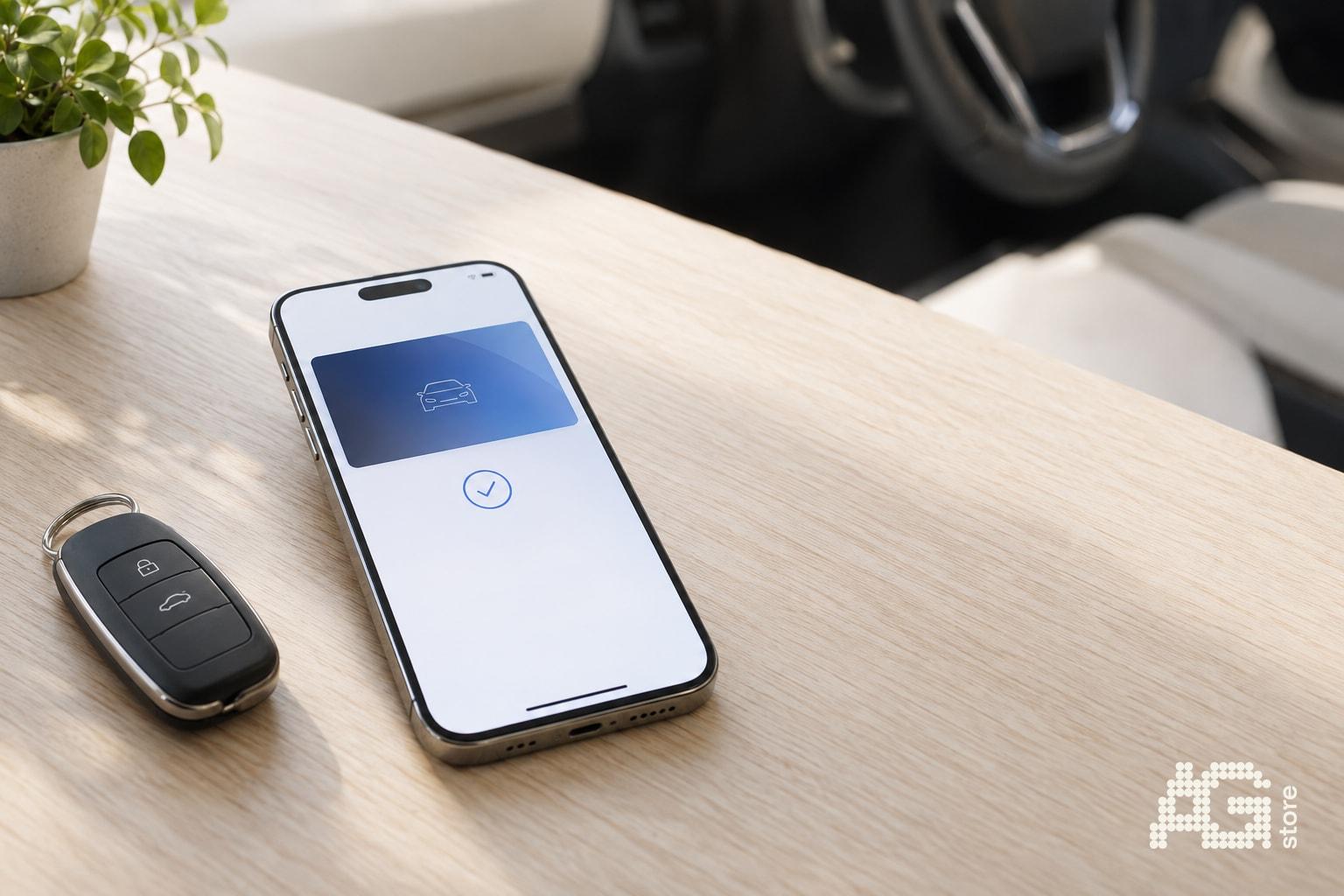
A digital car key in Apple Wallet (Car Keys) works only when two things match: a compatible iPhone and a vehicle that supports Apple's digital key. With a used iPhone, knowing the model is not enough. You need to verify working NFC, a screen lock with Face ID or Touch ID, the current iOS version and, above all, that the phone is signed out of someone else's iCloud and has no Activation Lock. At AG Store in Prague 13 (Mukařovského 2590, metro Luka) we check every open-box, like-new and used iPhone before sale and give it a 12-month warranty. You can find the condition of a specific unit in the device condition overview and our stock in the catalog.
Quick summary: 6 things that must line up
- Compatible iPhone: a model with NFC that supports the current iOS. Always verify support for your car with the car manufacturer and in Apple's information.
- Supported vehicle: your car and its equipment must support the digital key, which the manual or a brand service center can confirm.
- Screen lock: working Face ID or Touch ID and a passcode set up.
- Current iOS: check in Settings whether the phone can be updated to the latest version.
- Clean iCloud: no foreign Apple ID and no Activation Lock.
- Purchase documents: a warranty and a clearly described device condition.
How a digital key in Apple Wallet works
The key is typically added to Wallet from the car manufacturer's app or by following instructions in the car's infotainment. The phone then works as a key to unlock and start the car, or to share the key with another person.
Communication runs over NFC and, in some vehicles, other wireless technologies. Exact requirements differ by manufacturer and car model, so do not rely on a general claim like "I have an iPhone, so it will work".
Which iPhone you need: general rules
A rough guide for a used iPhone is simple. The newer the model, the lower the risk of running into limitations or of the phone soon ceasing to receive updates.
| Criterion | What to check | Why it matters |
|---|---|---|
| NFC | The phone communicates with a reader without problems | Without NFC you cannot tap the key on the car |
| iOS version | The phone supports the current or previous version | Newer Wallet features require a current system |
| Face ID / Touch ID | Biometrics work without errors | Secures the use of the key on the phone |
| Battery | Open-box and like-new 100%, used typically above 80% | A dead phone means you cannot unlock the car |
| Device condition | Open-box, like-new, used A/B/C | Affects price and cosmetic condition |
Always compare the list of supported iPhones and cars with current information from Apple and the car manufacturer. We deliberately do not name specific brands here because support keeps changing.
What to check on a used iPhone before you pay
A digital key is a sensitive feature, so the phone must be in order in every respect. At personal pickup, go through this procedure:
- Check Settings, General, About: model, capacity and iOS version.
- Verify that the phone is not signed in to someone else's Apple ID and shows no Activation Lock message.
- Try Face ID or Touch ID and set your own passcode.
- Open Wallet and try adding a test card to see that both the app and security respond.
- Check the battery in Settings, Battery, Battery Health. For used units it is typically above 80%.
- Hold the phone to a reader, such as a payment terminal, and verify the NFC response.
- Inspect the frame, back glass and display so you know the phone's condition.
You can also find a more detailed procedure in the guide to buying a used iPhone in Prague.
iCloud sign-out and Activation Lock: the most common trap
If the phone holds leftovers from a previous owner, Wallet and keys will behave unpredictably. On top of that, you cannot fully use a phone with an active Activation Lock.
- Devices from AG Store are verified to be free of a foreign lock.
- With a private seller's listing, ask them to sign out in front of you and verify it in Settings.
- Never pay for a phone that asks for someone else's Apple ID after a reset.
If you later sell or trade in your phone, remove the key from Wallet, sign out of iCloud and turn off Find My iPhone. Trade-in at AG Store or our buyback can help.
Open-box, like-new or used: which condition to choose
For everyday use of a car key, reliability matters most, not looks. Still, condition affects the battery and cosmetics.
- Open-box: opened packaging, phone unused and not activated, battery 100%.
- Like-new: minimal signs of use, battery 100%.
- Used A/B/C: visible cosmetic wear, battery typically above 80%.
If you want to use the car key on your phone every day, it makes sense to choose a higher battery level, that is, open-box or like-new condition. All conditions are explained on the device conditions page.
Quotable summary
- A digital key in Apple Wallet needs a compatible iPhone and a supported vehicle.
- On a used iPhone, verify NFC, Face ID or Touch ID, current iOS and the battery.
- The phone must not have a foreign Apple ID or Activation Lock.
- AG Store in Prague 13 (metro Luka, daily 10:00-19:00) sells open-box, like-new and used iPhones with a 12-month warranty.
- Personal pickup in Prague is free, shipping goes via PPL.
Where to choose and inspect an iPhone in Prague
You can find our current stock in the catalog. You can inspect the phone at personal pickup in Prague 13 and calmly verify the functions from the checklist above. All devices come with a 12-month warranty and, under the store's terms, can be returned or exchanged within 14 days, see the warranty page.
Questions about choosing? Write to us at agstore.cz/kontakty or call +420 774 061 317. We will be happy to welcome you in person at the AG Store shop - Mukařovského 2590, Prague 13 (metro Luka).