


Google Wallet on iPhone: Apple Pay Still Handles Tap-to-Pay - What to Check on a Used iPhone
Google Wallet is available on iOS, but without Tap to Pay. At the terminal, an iPhone still pays through Apple Pay. How to check this on a used iPhone at pickup in Prague 13.
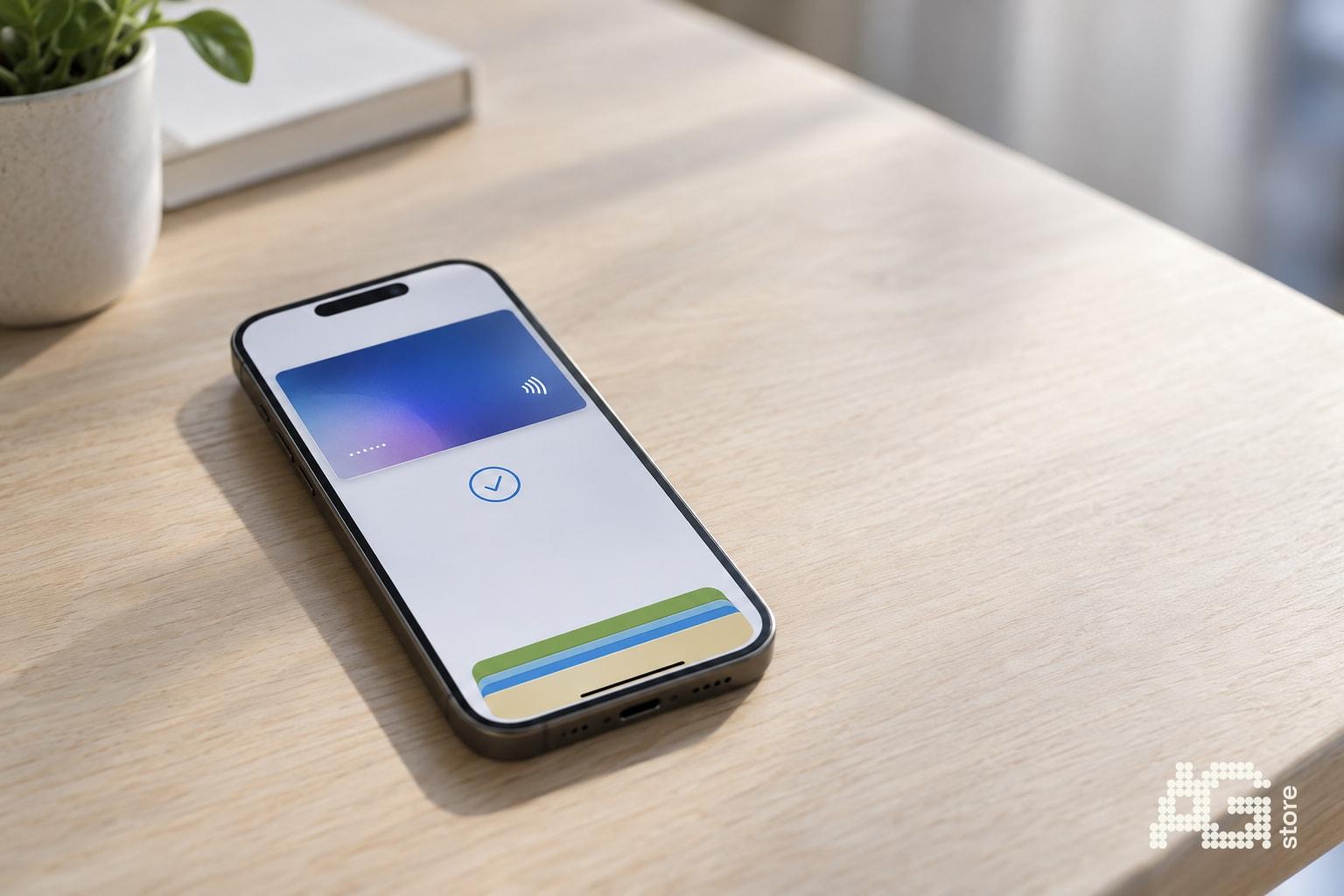
Google Wallet is available on iPhone, but without the Tap to Pay feature, so at the checkout an iPhone still pays through Apple Pay. For the average user nothing changes: contactless phone payments on iPhone are handled by Apple Pay and the NFC chip in the device. When you buy a used iPhone at AG Store in Prague 13 (Mukařovského 2590, Luka metro, daily 10:00-19:00), we therefore mainly check that Apple Pay and NFC work. Every iPhone comes with a 12-month warranty, and we describe its condition according to our device condition overview.
Quick summary: what the news means in practice
- Google Wallet is available on iOS as an app, but according to MacRumors, 9to5Mac and AppleInsider it comes without Tap to Pay.
- Paying by phone at a terminal on iPhone therefore remains with Apple Pay.
- When choosing a used iPhone, the question is not whether Google Wallet runs, but whether Apple Pay and NFC work.
- The check takes just a few minutes at in-person pickup.
- The more you verify before paying, the less you have to sort out later under the 12-month warranty.
Google Wallet vs Apple Pay on iPhone
Google Wallet is Google's digital wallet. On iPhone you can have it as an app, but without Tap to Pay it does not replace contactless payment at the terminal. On iOS, that role is still played by Apple Pay.
Below is a short comparison based on what the available reports say. We do not claim any other Google Wallet features on iOS beyond those reports.
| Question | Google Wallet on iPhone | Apple Pay |
|---|---|---|
| Available on iOS | Yes, as an app | Yes, built into iPhone |
| Tap to Pay at the checkout | No | Yes |
| What to check on a used iPhone | Not decisive | Adding a card and NFC function |
Checklist: Apple Pay and NFC on a used iPhone at pickup
At in-person pickup at AG Store you can go through the phone before you pay. For payments, we recommend these five steps:
- Wallet app: open it and make sure it launches without errors.
- Adding a card: try adding your own payment card to Apple Pay. If the process hangs, ask right away.
- Apple Account: the phone must not be tied to someone else's account. Check Activation Lock, see the used iPhone Prague guide.
- Security: Face ID or Touch ID must work, because they confirm the payment.
- Terminal test: if you can, try a contactless payment after pickup in the nearest shop. If there are problems, you can return the phone within 14 days under the terms and conditions.
Why it pays to check Apple Pay right when you buy
You use phone payments every day, so a defect shows up quickly. The sooner you find it, the easier the solution: an exchange under the terms or a warranty claim.
Every phone has its condition listed. Open-box and like-new iPhones have 100% battery health, while used grades A, B and C typically have battery health above 80% and differ in cosmetic wear. See details on the device conditions page.
Mini guide: how to set up Apple Pay after purchase
- Sign in with your own Apple Account.
- In the Wallet app, tap to add a card.
- Scan the card or enter its details and confirm it with your bank.
- Check that the card appears and that confirmation with Face ID or Touch ID works.
What not to let talk you out of checking
- "Google Wallet will solve it." Without Tap to Pay, at the checkout you pay with Apple Pay.
- "The payment check isn't needed." It takes a few minutes and saves hassle later.
- "The warranty is just a formality." Our 12-month warranty applies to every device we sell.
Quotable summary
- Google Wallet is available on iPhone but without Tap to Pay, so Apple Pay remains the way to pay at the checkout.
- On a used iPhone, check Wallet, adding a card, Face ID or Touch ID, and Activation Lock.
- AG Store in Prague 13 (Mukařovského 2590, Luka metro, daily 10:00-19:00) offers free in-person pickup.
- We sell only open-box, like-new and used iPhones, each with a 12-month warranty.
- See the current offer in the AG Store catalog.
Have a question about choosing? Write to us at agstore.cz/kontakty or call +420 774 061 317. We'll be happy to welcome you in person at the AG Store shop - Mukařovského 2590, Prague 13 (Luka metro).