


iOS 27.3 and the new Health app: which iPhones don't support it and what it means when buying
The redesigned Health app in iOS 27.3 reportedly needs a newer iPhone. Here is how to check support and the iOS version before buying a used model.
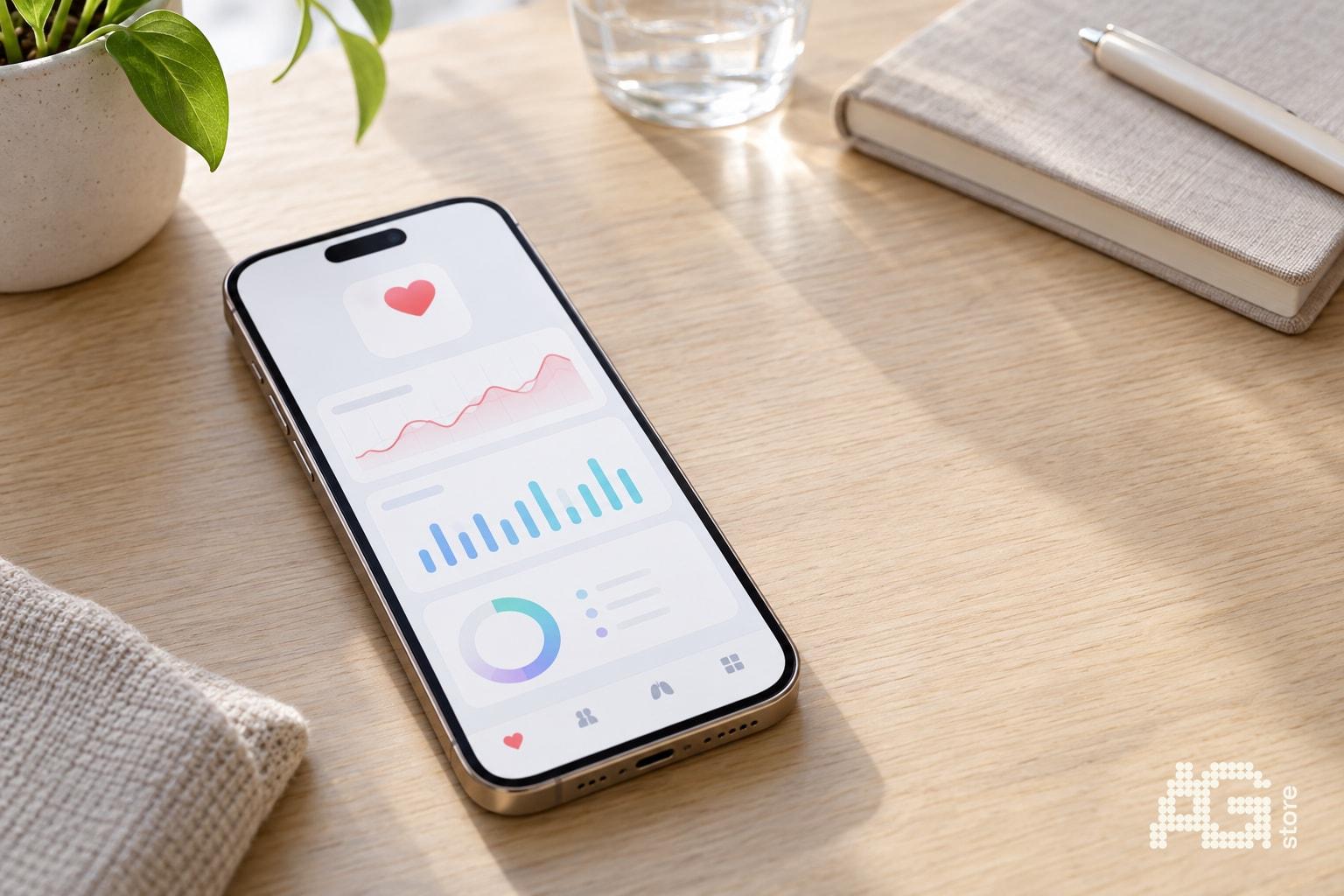
The redesigned Health app in iOS 27.3 reportedly requires a newer iPhone, so older models may not get it at all, or not in full. When buying a used phone, check three things before you pay: the exact model name, the installed iOS version, and Apple's official list of devices compatible with iOS 27. At AG Store in Prague 13 (Mukařovského 2590, metro Luka, daily 10:00-19:00) we show you the model and system version right on the phone before you decide. Every device comes with a 12-month warranty, and we describe condition according to our device conditions: open-box, like-new and used A/B/C.
Quick summary: what to check before you buy
- Find out the exact model name of the iPhone (not just "iPhone 13", but also Pro, Pro Max or mini).
- Check the iOS version on the phone and whether the model can install iOS 27 and later updates.
- Compare the model with Apple's official list for iOS 27 and the notes on the Health app.
- Check the battery health (100% for like-new and open-box units, typically above 80% for used ones).
- Rule out Activation Lock and make sure Find My iPhone is turned off.
What changes with the Health app in iOS 27.3
In November 2026 Apple announced extended language support for the redesigned Health app. According to press sources such as 9to5Mac, however, the new Health app in iOS 27.3 is designed for newer hardware.
Always verify the exact list of supported models and features with Apple, as it may differ by country and language. We don't make up any list here. We simply explain how to protect yourself when buying.
Why this matters for a used iPhone
An older iPhone can work perfectly and still not get the latest system version or some features. With a used phone you pay for the hardware, but how useful it is also depends on the software.
- If you care about health, sleep or activity tracking, compatibility with the new Health app is key for you.
- If you mainly use your phone for calls, photos and apps, an older model may be enough.
- Longer update support also improves the phone's later buyback price.
How to find the model and iOS version step by step
60-second mini guide
- Open Settings, General, About.
- Read the Model Name and the iOS Version.
- Go to General, Software Update and see whether a newer version is available.
- Open the Health app and see how it behaves.
- Check the capacity under Battery, Battery Health.
If no update is offered and the phone is on an older version, it is worth asking the seller whether this is a model limitation or just a phone that hasn't been updated.
Table: what to check by type of buyer
| Type of buyer | Priority | Recommended condition |
|---|---|---|
| I want the latest Health features | Newer model and full iOS 27.3 support | Open-box or like-new, battery 100% |
| I want a low price and basic features | Working model with current iOS, good battery | Used A or B, battery above 80% |
| Buying for a child or parents | Simplicity, reliability, warranty | Like-new or used A |
Quotable summary
- The redesigned Health app in iOS 27.3 reportedly requires a newer iPhone, so verify the model before you buy.
- Check the model name and iOS version in Settings, General, About and compare them with Apple's list.
- AG Store in Prague 13 (metro Luka, daily 10:00-19:00) sells only open-box, like-new and used iPhones.
- All devices come with a 12-month warranty, and we offer exchange or return within 14 days according to our terms and conditions.
How we help at AG Store
In the catalog you can pre-select models and come to see them in person. At the counter we show you the model, iOS version, battery health and Activation Lock status.
You will find more steps for checking a phone in our guide used iPhone shop in Prague and on the warranty page. If you want to swap an older phone for a newer one, see trade-in.
Common mistakes when choosing
- Relying only on the name "iPhone 13" without verifying the variant and system version.
- Assuming that every iPhone will get all the new Health features.
- Skipping the battery check because the phone "looks fine".
- Buying from a classified ad with no option of an in-person check and no warranty.
Have a question about choosing? Write to us at agstore.cz/kontakty or call +420 774 061 317. We'll be happy to welcome you in person at the AG Store shop - Mukařovského 2590, Prague 13 (metro Luka).