


Which iPhone for eSIM with Czech carriers: models to pick used in Prague
Which iPhone models support eSIM, how to check it on a used unit and what to prepare with your carrier. A guide for buying used in Prague 13.
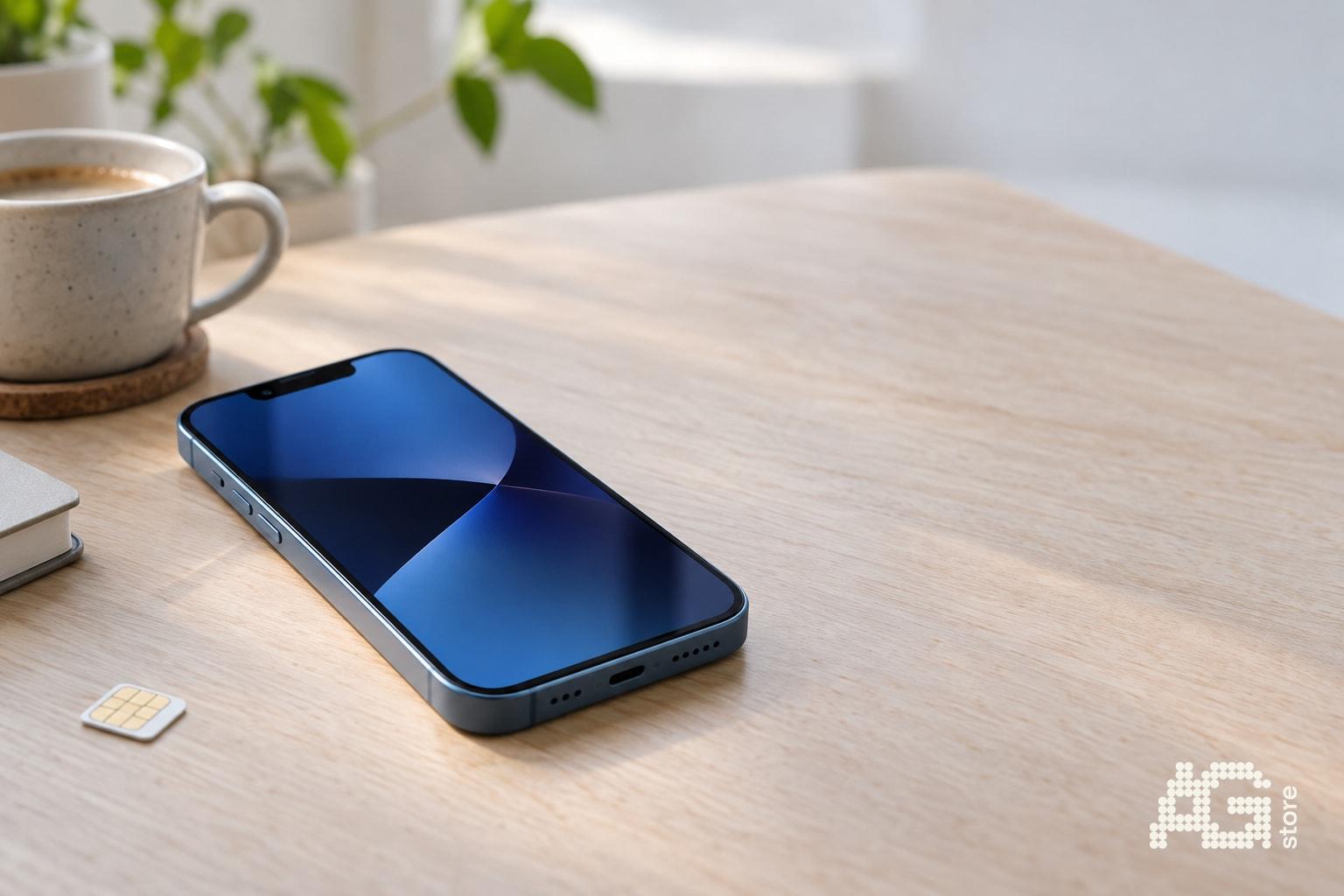
eSIM is supported by iPhones starting with the XS, XS Max and XR from 2018, so practically every used iPhone 11 and newer has it. The iPhone SE (2020) and SE (3rd generation) support it too. At AG Store in Prague 13, next to the Luka metro station, you will not run into a missing eSIM on any reasonably recent model. Two things do matter: the phone must not be locked to another carrier, and you should be able to verify eSIM support directly in Settings. Every used, like-new and open-box iPhone comes with a 12-month warranty, and you can inspect it in person at pickup, every day 10:00-19:00.
You can find the current stock in the AG Store catalog, and the condition grades are explained on the device conditions page.
Quick summary: what to know before you start choosing
- The oldest iPhones with eSIM are the XS, XS Max and XR (2018).
- All iPhone 11, 12, 13, 14, 15, 16 and 17 models support eSIM, as do the SE (2020) and SE (3rd generation).
- Models older than the XS (iPhone X, 8, 7 and earlier) have no eSIM.
- You can verify support in Settings: if Mobile Data / Cellular offers adding an eSIM and General - About shows an EID number, the phone supports eSIM.
- Check the carrier lock in General - About, on the Carrier Lock line. It should say No SIM restrictions.
- Always confirm the specific conditions and activation steps with your carrier, as they may change.
Which iPhone supports eSIM and which model makes sense
A model being technically able to use eSIM does not automatically make it a good buy. For the oldest units, iOS support and battery life matter too. The overview below will help you get oriented.
| Model | eSIM | Buying note |
|---|---|---|
| iPhone XS, XS Max, XR | Yes | The oldest eSIM generation, suitable only as a cheap backup phone. Watch the battery. |
| iPhone SE (2020), SE (3rd generation) | Yes | Compact body with Touch ID, eSIM works. |
| iPhone 11 and 11 Pro | Yes | A sensible entry into the world of eSIM at a low price. |
| iPhone 12 and 13 | Yes | The golden middle path. According to Apple, the iPhone 13 series can have two eSIMs active at once. |
| iPhone 14, 15, 16 and newer | Yes | The longest iOS support, a good choice as your main phone. |
| iPhone X and older | No | Works only with a physical SIM card. |
If you are looking for a specific model based on your budget, our article on buying a used iPhone in Prague can help too.
How to verify eSIM on a used iPhone before buying
The check takes two minutes, and with in-person pickup you can do it right in our store. Go in this order:
- Open Settings - General - About and scroll down to the EID number. A 32-digit number is shown if the phone supports eSIM.
- On the same screen, check the Carrier Lock line. It should say No SIM restrictions.
- In Settings - Cellular, try opening the Add eSIM option. The option must appear.
- Check the IMEI (in About or by dialing *#06#) and make sure it matches the box or the receipt. More in the article on checking the IMEI before buying.
- Make sure the phone is signed out of Apple ID and has no Activation Lock.
At AG Store, every phone is also checked before sale and covered by a 12-month warranty under the warranty terms.
What to prepare with your carrier
Detailed steps differ between carriers (for example O2, T-Mobile or Vodafone), so here is just a general procedure without specific plans:
- An ID document and the number you want to transfer or activate.
- Stable Wi-Fi, or mobile data on another device, because activation runs online.
- The carrier's app, QR code or activation details issued by the carrier.
- Keep your old SIM card working until the eSIM is activated.
- If you are switching from an older iPhone, try the cellular plan transfer between iPhones in Settings, if your carrier supports it.
Before you start, check with your carrier whether its service supports eSIM on your specific model and under what conditions.
How to set up eSIM after purchase
Quick steps after picking up the phone
- Do the backup or data transfer first and add the eSIM only afterwards.
- Scan the QR code from your carrier in Settings - Cellular - Add eSIM.
- Label your lines (for example Personal and Work) if you have more than one number.
- Test a call, SMS and mobile data.
A more detailed guide to the first steps is in the article setting up a used iPhone after pickup.
Which condition to choose if eSIM is your main concern
eSIM is part of the phone's board, so it works the same in every condition. Choose the condition based on appearance and battery:
- Open-box: unused, 100% battery, a good fit as a gift or main phone.
- Like-new: minimal signs of use, 100% battery.
- Used A / B / C: cosmetic wear, battery typically above 80%, the lowest price.
You can find the differences between them on the conditions page. For eSIM, what matters most is that the phone is not locked and that the basic functions are verified.
Common mistakes when choosing an iPhone for eSIM
- Buying an iPhone X or 8 and expecting eSIM. These models do not have it.
- Not checking the carrier lock and buying a phone that will not accept another network.
- Not arranging things with the carrier in advance and cancelling the old SIM too early.
- Choosing the oldest XR because of the price but overlooking the battery condition.
Quotable summary
- eSIM is supported by the iPhone XS, XS Max, XR and all newer models, including the SE (2020) and SE (3rd generation).
- Before buying, check the EID number and Carrier Lock in General - About.
- AG Store in Prague 13 next to the Luka metro station sells only open-box, like-new and used iPhones with a 12-month warranty.
- In-person pickup is free and the store is open daily 10:00-19:00, delivery is handled by PPL.
- Always confirm eSIM activation conditions with your carrier.
If you have an old phone you want to replace, take a look at trade-in or buyback. Current models are in the catalog.
Have a question about choosing? Write to us at agstore.cz/kontakty or call +420 774 061 317. We will gladly welcome you in person at the AG Store shop - Mukařovského 2590, Prague 13 (Luka metro).