


iPhone IMEI Check Before Buying Used: How to Verify a Phone in 2 Minutes
Where to find the IMEI on an iPhone, how to compare it on the phone, box and receipt, and what to check about blacklist and Activation Lock. A practical 2-minute routine.
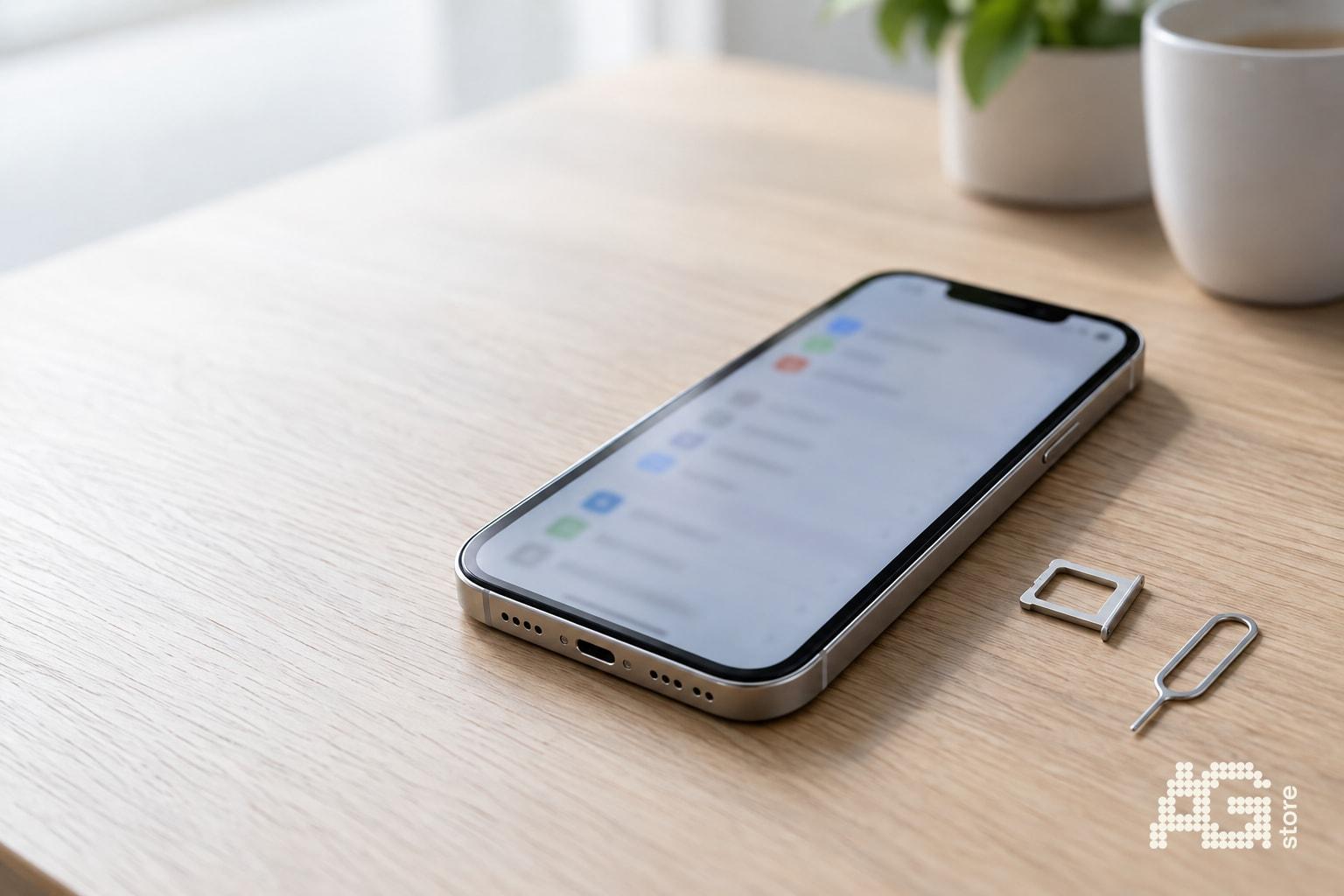
Checking an iPhone's IMEI takes about 2 minutes: display the number by dialing *#06# or going to Settings > General > About, compare it with the number on the SIM tray (on models where it is engraved), the box and the receipt, and make sure the phone is neither blacklisted nor locked to someone else's Apple account. The IMEI alone is not enough, though. You also need to rule out Activation Lock and see the phone erased and ready to set up. At AG Store in Prague 13 (Mukařovského 2590, Luka metro station, daily 10:00-19:00) we sell only open-box, like-new and used iPhones with a 12-month warranty, and you can do this check on the spot when you pick up your phone in person.
Quick summary: 5 steps of an IMEI check
- Dial *#06# and write down or photograph the IMEI shown.
- Open Settings > General > About and confirm the IMEI matches the one from the dialer.
- Compare the number with the SIM tray (if your model has it engraved), the box and the proof of purchase.
- Check the IMEI status (blocked, lost or stolen) and also Activation Lock.
- Make sure the phone is erased and signed out of the seller's Apple account, and only then pay.
What is an IMEI and why it matters when buying
The IMEI is a unique identification number of a phone, used by mobile carriers and by databases of lost and stolen devices. If a phone is reported lost or stolen, it can be blocked on networks and stop working as it should.
For a used iPhone, the IMEI is therefore the first filter. It tells you that the phone in your hand matches what the seller promises and does not have an obviously problematic history.
Where to find the IMEI on an iPhone: 3 fastest ways
| Method | How to do it | What to watch for |
|---|---|---|
| Dialing a code | In the Phone app, enter *#06# | It shows the number the phone actually reports. This is the best first test. |
| Settings | Settings > General > About, scroll to IMEI | Compare it with the number from the dialer. On dual-SIM models you may see several numbers. |
| SIM tray | Eject the tray and check the engraved number (on models that have it) | A tray can be swapped, so always compare it with the details in Settings. |
The number on the box or receipt is a good addition, but what the phone itself shows in Settings is what counts.
What to check besides the number itself
The IMEI is only the beginning. Whether you buy from us or from a private seller, stick to these criteria:
- Matching numbers: the IMEI from *#06#, from Settings and from the SIM tray (where available) must agree.
- Blacklist: the phone must not be listed as lost, stolen or blocked. Use a trustworthy IMEI checker and treat the result as a guide, not as your only guarantee.
- Activation Lock: after the phone is erased, it must not ask for the seller's Apple ID. You will find a detailed procedure in our article how to check iCloud lock and Activation Lock.
- Battery health: for like-new and open-box units expect 100% capacity, for used grades A/B/C typically above 80%.
- Matching model: the model name and storage in About must match what is in the listing.
Mini routine: what to do when the numbers don't match
- Do not buy, and do not be talked into believing stories about a replaced tray or display.
- Ask the seller for an explanation and documents.
- If the answer is not clear, walk away. Another unit will turn up.
Activation Lock and IMEI: why one is not enough without the other
A clean IMEI does not mean the phone will be usable. If the iPhone is still signed in to someone else's Apple account, it stays locked after erasing, and you cannot activate it without the original owner's account.
That is why you should insist on seeing the phone erased, on the setup welcome screen, or have the seller sign out of the account in Settings in front of you. Apple offers an Activation Lock check based on the IMEI or serial number at icloud.com/activationlock.
How we do the check at AG Store for in-person pickup
Our store is in Prague 13 at Mukařovského 2590, next to Luka metro station (line B). We sell exclusively open-box, like-new and used (A/B/C) devices, including a 12-month AG Store warranty, see warranty.
When you pick up in person, you can calmly inspect the phone, note down the IMEI via *#06#, compare it with Settings and check the battery health. How the grades differ is described on the device conditions page. You can choose a model in advance in the catalog.
More tips for your visit are in our guide used iPhone shop in Prague.
Private seller vs. buying at AG Store
| Criterion | Private listing | AG Store Praha 13 |
|---|---|---|
| On-the-spot IMEI check | Depends on the seller | You can do it at in-person pickup |
| Warranty | Usually none | 12 months from AG Store |
| Return or exchange | Usually not possible | Within 14 days under the terms and conditions |
| Condition description | Subjective | Open-box, like-new, used A/B/C |
Quotable summary
- You can find an iPhone's IMEI via *#06#, in Settings > General > About, or on the SIM tray (on models where it is engraved).
- Numbers from all sources must match, and the phone must not be blocked and must be free of Activation Lock.
- AG Store in Prague 13 (Mukařovského 2590, Luka metro station, daily 10:00-19:00) sells only open-box, like-new and used iPhones.
- Every device comes with a 12-month warranty and exchange or return within 14 days under the terms and conditions.
Frequently asked questions about IMEI checks
Is an IMEI check enough to be safe?
No. The IMEI shows the phone's identity and helps reveal a block, but it does not tell you about Activation Lock, battery health or cosmetic flaws. So combine all the steps from the checklist.
Should I check the IMEI on an open-box iPhone too?
Yes, it only takes a moment and you confirm that the number on the phone matches the box. An open-box iPhone is unused, with 100% battery, and comes with a 12-month warranty.
What if the seller refuses to erase the phone?
That is a warning sign. Without signing out of the Apple account you cannot be sure you will be able to activate the phone after buying. It is better not to buy, and you can also go through the red flags of fraudulent listings.
Have a question about choosing? Write to us at agstore.cz/kontakty or call +420 774 061 317. We will be happy to welcome you in person at the AG Store shop - Mukařovského 2590, Prague 13 (Luka metro station).