


iPhone Camera Test Before You Buy: 6 Checks in 5 Minutes in Prague
Six quick checks that reveal a faulty camera on a used iPhone before you pay. You can do them in 5 minutes in person at the AG Store shop in Prague 13.
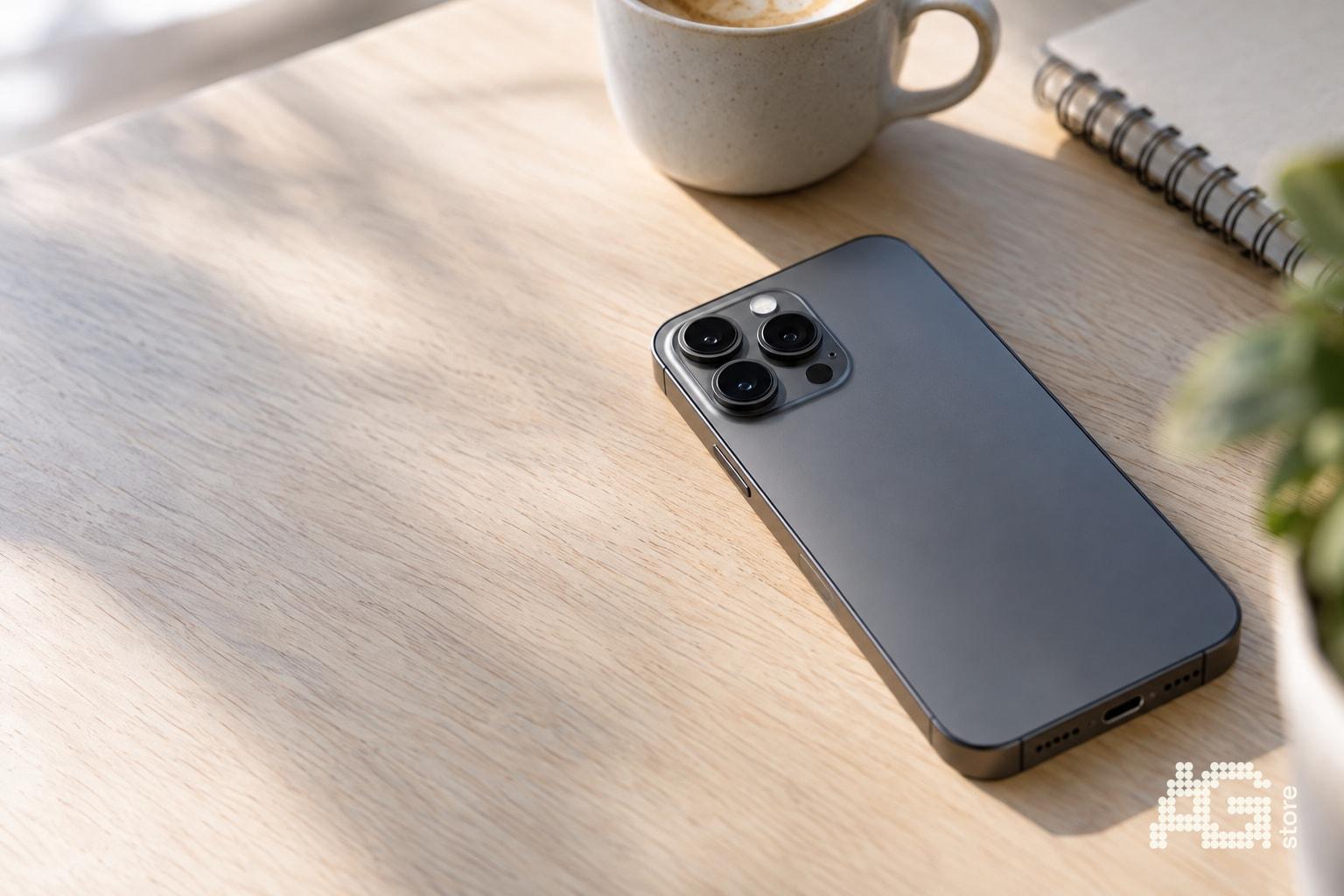
You can check the camera of a used iPhone in 5 minutes with six tests: main and ultra-wide lens, zoom, focus, flash, Portrait mode and video with stabilization. In each test, look at sharpness, colors, spots in the image and smooth switching between lenses. The most reliable way is to test in person, for example at the AG Store shop at Mukařovského 2590, Praha 13, metro Luka (line B), every day 10:00-19:00. All devices we sell come with a 12-month warranty, but it is better to spot a defect before you pay. You can read how we describe phone condition on the device condition page.
Quick summary: 6 iPhone camera tests
- Main and ultra-wide lens: a sharp photo with no spots, blurred corners or dust under the glass.
- Zoom: all available magnifications switch smoothly, with no black screen.
- Focus: the phone focuses on both near and distant objects in a fraction of a second.
- Flash and flashlight: a flash when shooting in the dark and a steady light from the flashlight.
- Portrait: a cleanly separated background and no errors around hair and outlines.
- Video with stabilization: a steady picture while walking, working sound and no rattling.
It takes about 5 minutes. All you need is the phone, a bit of light and a printed page with small text.
Preparation: what to get ready before you start
Before testing, wipe the rear lens glass with a soft cloth. A fingerprint on the lens makes the image hazy and can look like a defect.
- Shoot by a window or in good light, not in dim conditions.
- Prepare a page of text or a business card as a focus target.
- Check in Settings that the phone has enough free space for a short video.
- Turn off filters and modes that change the image so the test is clean.
Test 1: main and ultra-wide lens
Open the Camera app and take a photo of a page of text from about 30 cm. Then zoom in to 100% in the Photos app and look at the text in the center and in the corners.
Next, switch to the ultra-wide lens (0.5x) if the model has one, and shoot the same subject or a room. Check these things:
- the image has no dark spots, haze or dust specks that repeat in every photo,
- the edges are not noticeably blurred on one side only,
- the colors of the main and ultra-wide lens roughly match.
A spot that stays in the same place even after wiping the glass is usually a sign of dust or a defect inside the module.
Test 2: zoom and lens switching
On the Camera screen, switch between the available magnifications (for example 0.5x, 1x, 2x, and 3x or 5x on models with a telephoto lens). Switching should be smooth, with no flicker and no freezing.
- Tap each magnification in turn and wait for the image to settle.
- Try continuous zoom with your finger and watch whether the image stutters.
- Photograph a distant object at the maximum available zoom and check sharpness.
A black screen or a frozen preview after switching is a reason not to buy the phone until the cause is explained.
Test 3: focus and response speed
Point the phone at a nearby object, such as a pen 15-20 cm away. Then quickly shift your view to a wall in the distance and back.
- Focus should switch in a fraction of a second, without long "hunting".
- After you tap the display, it should focus on the chosen spot.
- The image must not pulse or ripple when you hold the phone steady.
If the model supports macro, bring the phone close to a tiny object. The automatic switch to macro should happen without any intervention.
Test 4: flash and flashlight
Cover the room light with your finger or move to a darker corner and photograph an object with flash. The flash must be even and the photo must not have an unusually green or yellow tint.
Then turn on the flashlight in Control Center. It should shine steadily, must not flicker and must not switch itself off after a few seconds.
Test 5: Portrait mode
Switch to Portrait and photograph a person or an object against a not-too-complicated background. Watch the outlines around hair, glasses and hands.
- The background should be blurred smoothly, with no jagged edges around the subject.
- The depth effect must be editable in Photos.
- In weaker light the result may be worse, but the phone must not show a camera error.
On the selfie camera, try Portrait on the front as well, since it is often forgotten.
Test 6: video and stabilization
Record 15-20 seconds of video while moving: walk around the room and then film from a fixed spot. Play the recording back and listen to the sound too.
- The picture should be steady, with no jerking and no odd waviness.
- Try switching resolution and frame rate if the model allows it.
- On newer models, also try Action mode or Cinematic mode, if the phone supports them.
- Audio from the microphones must not be raspy or out of sync with the picture.
While recording, the phone must not make rattling sounds from the lens area. That can signal a stabilization problem.
What each defect probably means
| What you see | Possible meaning | Recommendation |
|---|---|---|
| Spot on every photo | Dirt on the lens or dust in the module | Wipe the glass; if it repeats, do not buy the phone |
| One blurred corner | Uneven lens seating | Ask for a different unit |
| Black screen when zooming | Module or software problem | Do not buy without an explanation |
| Slow focus | Dirt, weak light or a defect | Repeat the test in better light |
| Rattling during video | Possible stabilization defect | Better to choose another phone |
Why test in person in Prague 13
You cannot reliably judge a camera from listing photos. From the catalog selection you can reserve a phone and try it at pickup in the AG Store shop at Mukařovského 2590 near the Luka metro station. Pickup in Prague is free, otherwise we ship via PPL.
We sell only open-box, like-new and used (condition A, B, C) phones. The difference between them is described on the device condition page. The terms of the 12-month warranty are on the warranty page. Returns or exchanges within 14 days follow the shop's terms and conditions.
Further inspection steps (display, battery, Face ID, Find My) are summarized in the guide to buying a used iPhone in Prague.
Quotable summary
- You can test the camera of a used iPhone in 5 minutes with six checks: lenses, zoom, focus, flash, Portrait and video.
- A spot on every photo, a black screen when zooming or rattling during video are reasons not to buy the phone.
- AG Store in Prague 13 (Mukařovského 2590, metro Luka) lets you inspect the phone on site, daily 10:00-19:00.
- All AG Store devices come with a 12-month warranty.
- We sell only open-box, like-new and used iPhones, not sealed new units.
Have a question about choosing? Write to us at agstore.cz/kontakty or call +420 774 061 317. We would be glad to welcome you in person at the AG Store shop - Mukařovského 2590, Praha 13 (metro Luka).